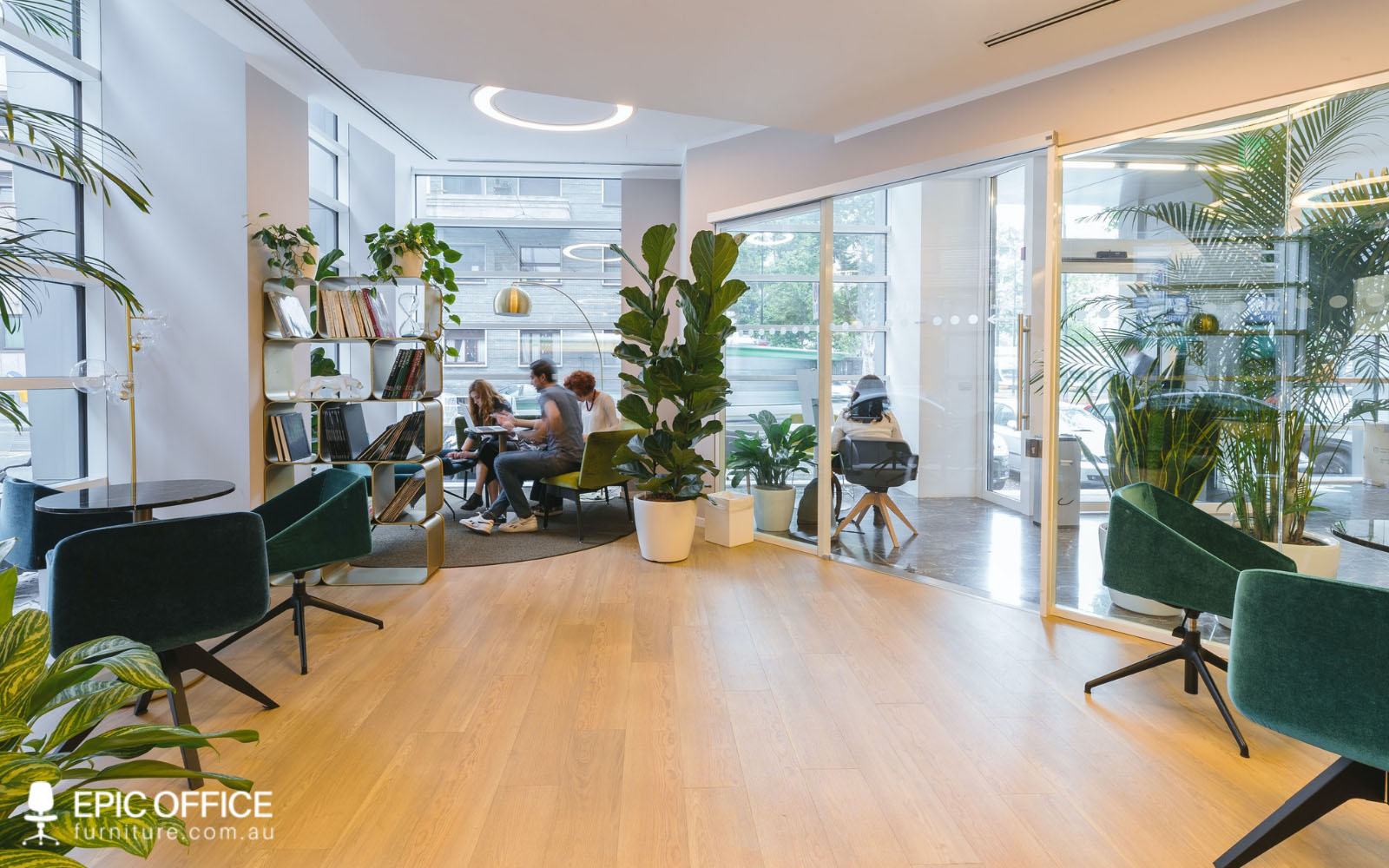
Arranging office furniture correctly is one of the most important – but often overlooked – factors in creating a productive and efficient workplace. A well-planned layout improves workflow, supports collaboration, enhances comfort, and maximises available space.
With growing demand for commercial office fit-outs, ergonomic workspace design, and modular workstation systems, businesses are increasingly focusing on how furniture placement directly impacts performance.
Why Office Furniture Layout Matters?
Office layout is not just about aesthetics – it directly influences how employees move, communicate, and perform tasks throughout the day.
A poorly arranged workspace can lead to:
- Reduced productivity and workflow inefficiencies
- Increased distractions and noise issues
- Poor space utilisation
- Reduced employee comfort
Research shows that thoughtful office design – including furniture placement, spacing, and workstation configuration – plays a key role in supporting employee performance and workplace behaviour.
Modern office planning focuses on balancing collaboration, privacy, and movement flow to create an efficient working environment.
1. Start With Your Floor Plan and Workflow
Before placing any furniture, it’s essential to understand how the space will be used.
Consider:
- How many employees will use the space
- What tasks they perform daily
- Where collaboration naturally occurs
- Traffic flow between work areas
Measuring your space and mapping key elements like doors, windows, and power points ensures your layout supports real-world use rather than just appearance.
2. Position Desks for Productivity and Flow
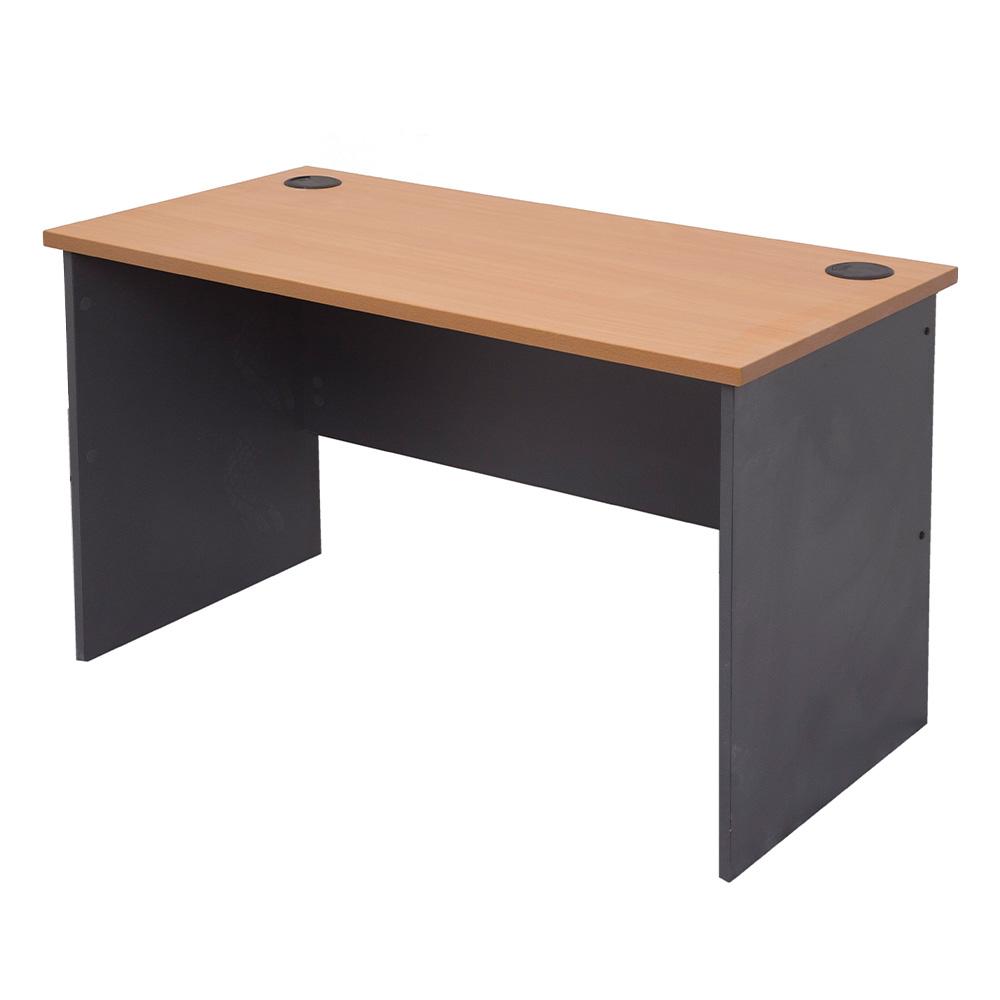
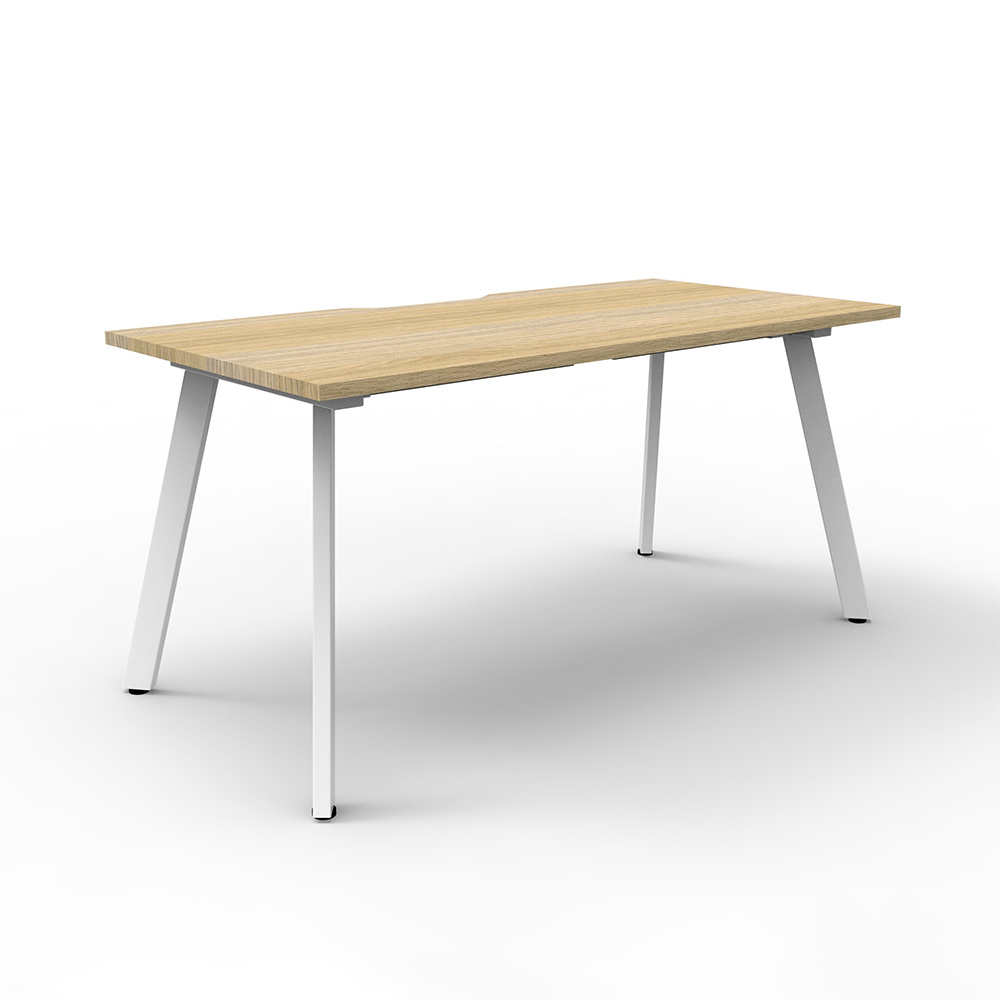
Desks are the foundation of any office layout, and their placement has a major impact on productivity.
Best practices include:
- Avoid blocking walkways or high-traffic zones
- Position desks to allow natural light where possible
- Ensure screens are not facing direct glare from windows
- Keep enough space between workstations for movement
In open-plan offices, desk placement should support both collaboration and focused work zones.
3. Use Modular Workstation Layouts
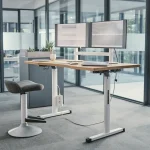
Modern office design increasingly relies on modular workstation systems because they allow flexibility and scalability.
Common configurations include:
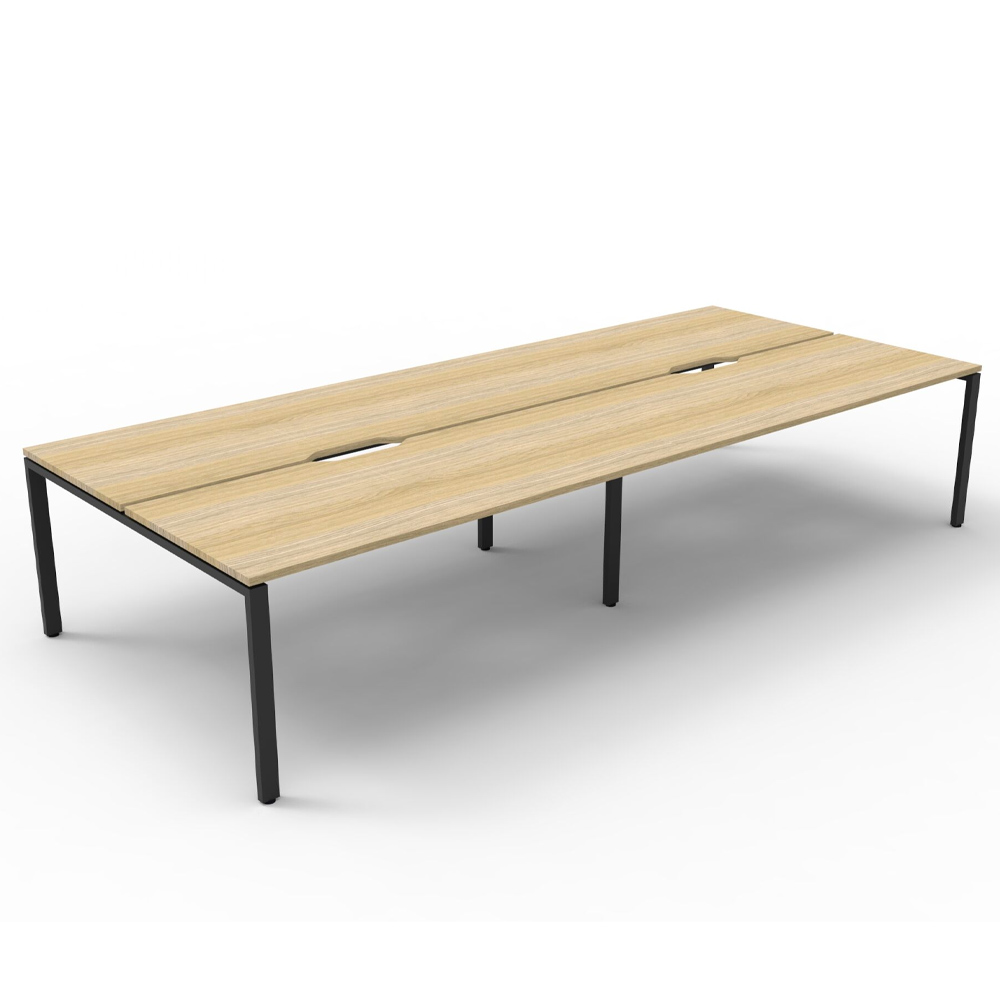
- Bench-style shared desks
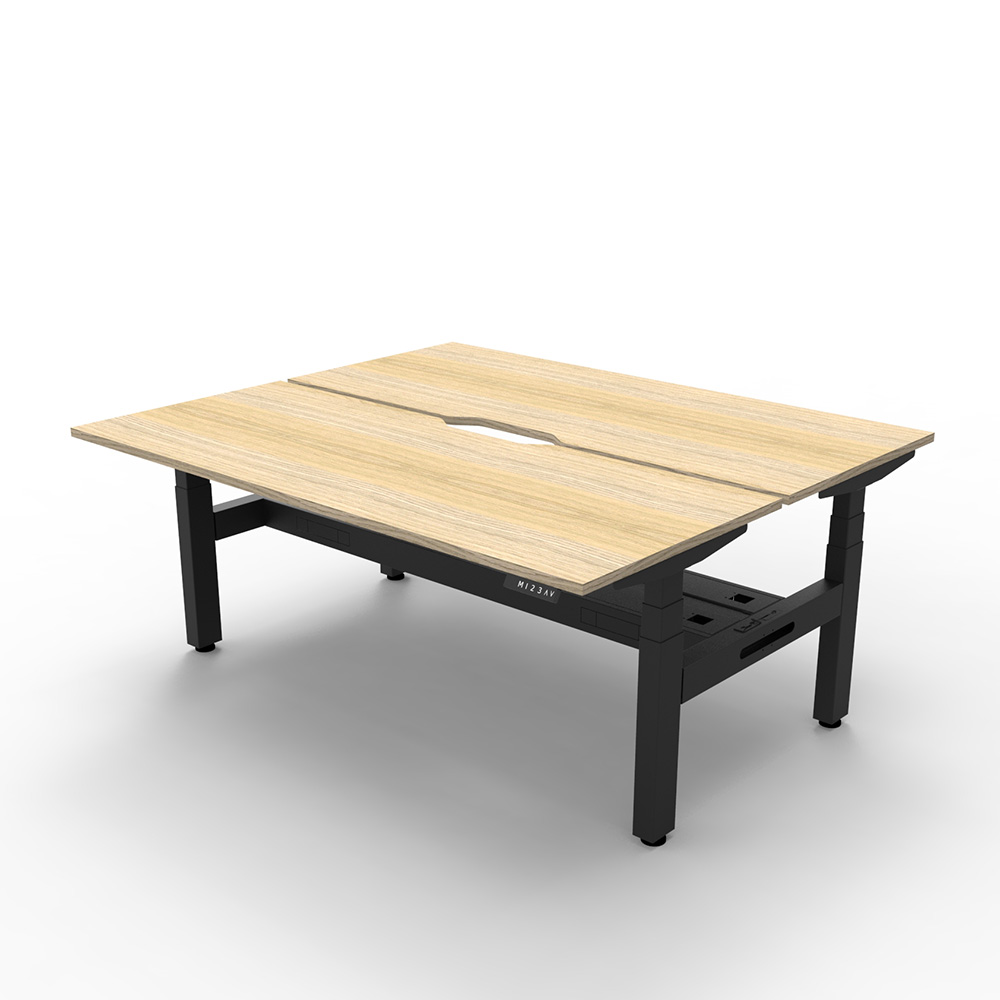
- Back-to-back workstations
- Pod or cluster layouts (2–8 people)
- Corner and L-shaped workstations
Modular systems help maximise space efficiency while allowing easy reconfiguration as teams grow or change.
4. Balance Collaboration and Privacy
A productive office layout must balance teamwork with individual focus.
To achieve this:
- Use low partitions or acoustic screens
- Create breakout or meeting zones
- Separate high-focus roles from collaborative areas
- Provide quiet zones for concentrated work
Open-plan layouts encourage communication but can also increase distractions if not properly structured.
5. Plan for Clear Movement and Space Flow
One of the most critical aspects of office furniture arrangement is ensuring smooth movement throughout the space.
Best practice guidelines:
- Maintain clear walkways between desks
- Avoid overcrowding furniture clusters
- Keep frequently used items within easy reach
- Ensure safe access to exits and shared facilities
Well-planned circulation improves efficiency and reduces workplace congestion.
6. Use Furniture to Define Functional Zones
Office furniture can be used strategically to divide spaces without building walls.
Examples include:
- Desks to separate departments
- Storage units as subtle dividers
- Meeting tables in collaboration zones
- Reception furniture to define entry areas
This zoning approach helps create structure while maintaining an open and flexible environment.
7. Prioritise Ergonomics in Layout Planning
Furniture arrangement should always support ergonomic wellbeing.
Ensure:
- Chairs and desks are properly aligned
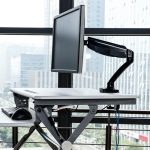
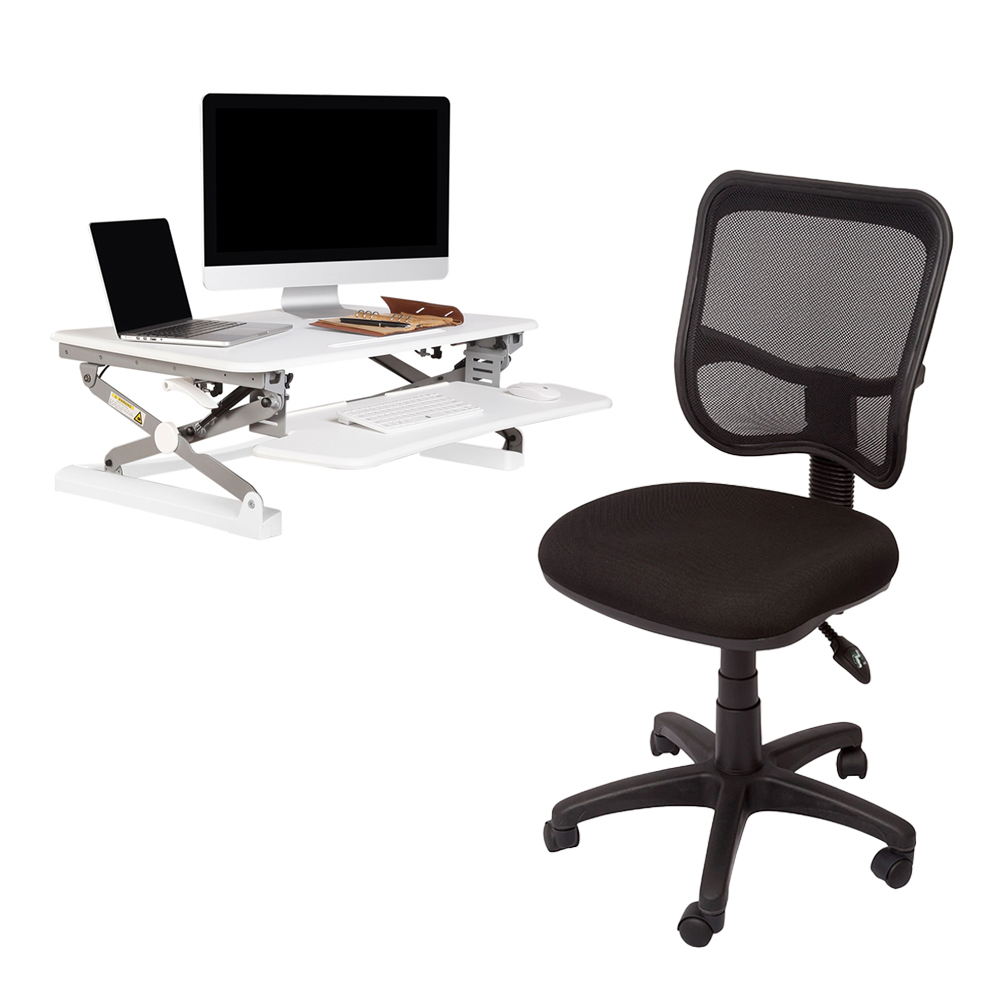
- Monitor height supports neutral posture
- There is enough legroom and desk depth
- Employees can adjust seating and workspace setup
Ergonomic planning reduces fatigue, improves comfort, and supports long-term productivity.
8. Maximise Natural Light and Comfort
Lighting plays a major role in workspace efficiency.
To optimise layout:
- Position desks near natural light sources
- Avoid glare on screens
- Use task lighting for darker areas
- Keep windows unobstructed where possible
A well-lit environment improves focus and reduces eye strain.
9. Incorporate Storage Into the Layout
Clutter can quickly reduce productivity, so storage should be integrated into the layout from the beginning.
Consider:
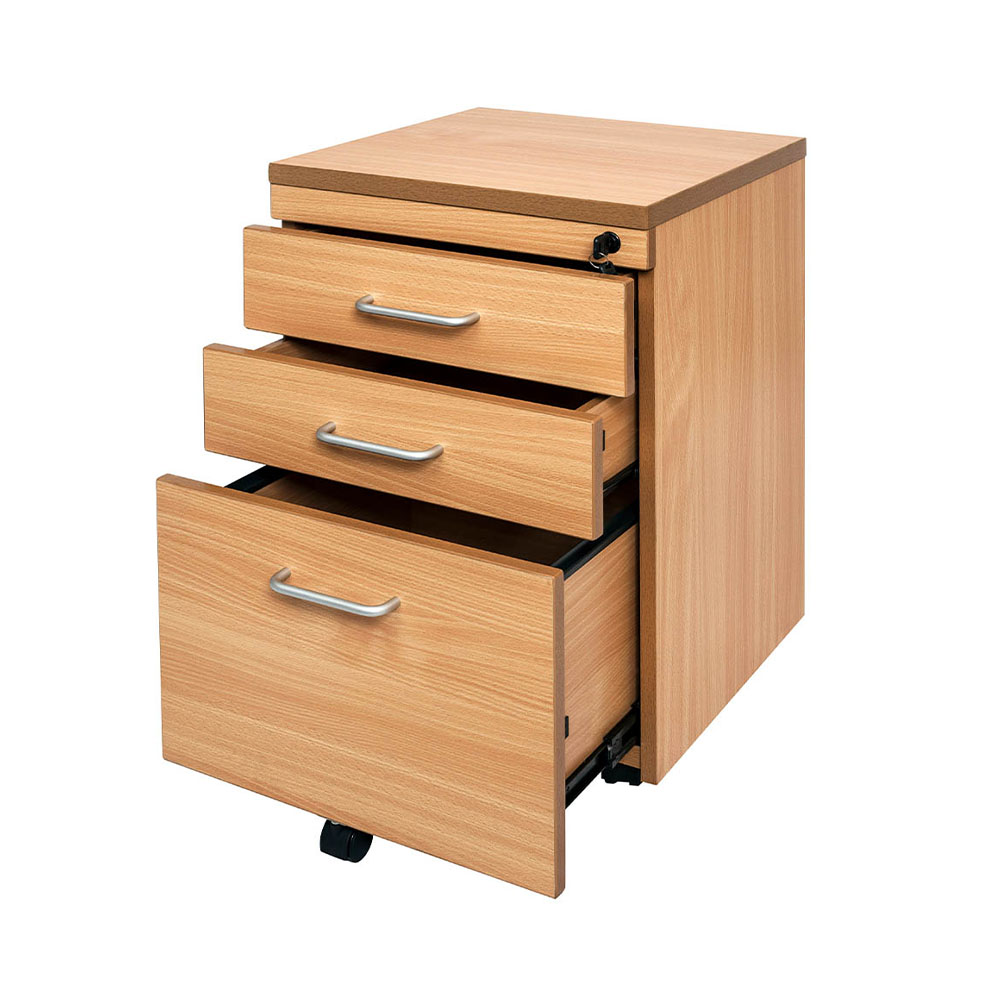
- Under-desk storage units
- Filing cabinets near workstations
- Wall-mounted shelving
- Shared storage zones for teams
This keeps work areas clean and efficient while improving workflow.
10. Plan for Flexibility and Future Growth
Modern offices need to adapt quickly to changing teams and workflows.
A good layout should allow:
- Easy reconfiguration of workstations
- Scalable desk systems
- Additional seating capacity if needed
- Integration of new technology or equipment
Flexible design ensures long-term usability and reduces future fit-out costs.