
Setting up a home office properly is essential for maintaining productivity, focus, and long-term wellbeing. With more Australians working remotely or in hybrid roles, creating a functional and ergonomic workspace is no longer optional—it’s a necessity. Search demand continues to grow for terms like home office setup tips, ergonomic home office Australia, and best home office furniture, highlighting the shift toward high-performance work environments at home.
A poorly designed workspace can quickly lead to back, neck, and shoulder pain, reduced productivity, increased fatigue, and long-term health issues. Ergonomic workspace design helps minimise strain, improve comfort, and support better performance throughout the workday. The key principle is simple: design your workspace to fit your body, rather than forcing your body to adapt to your setup.
Choosing the right location is the first step in setting up an effective home office. Ideally, your workspace should be in a quiet, low-traffic area with minimal distractions and access to natural light. Having a dedicated space helps create a clear separation between work and personal life, making it easier to focus during the day and switch off after hours. Even a small, well-defined corner can significantly improve productivity compared to working from a couch or bed.
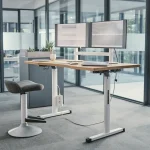
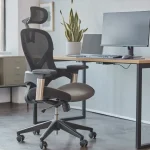
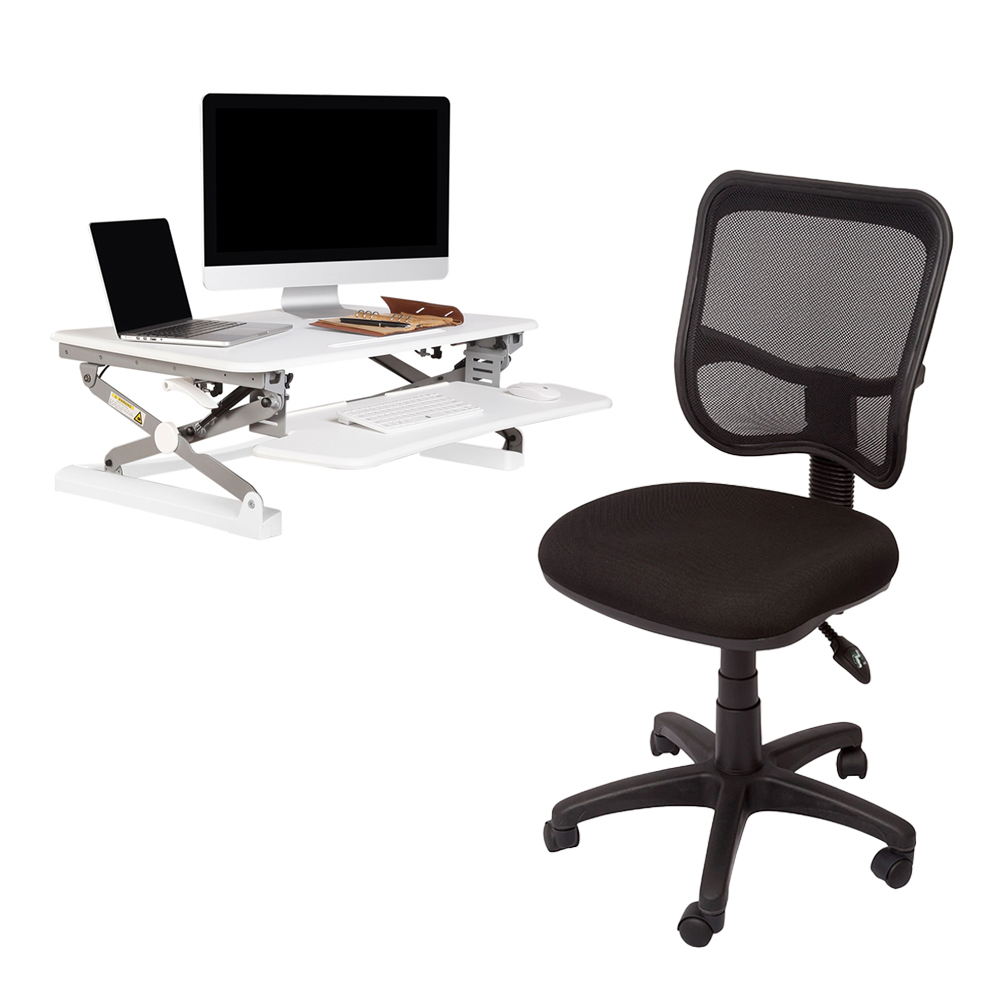
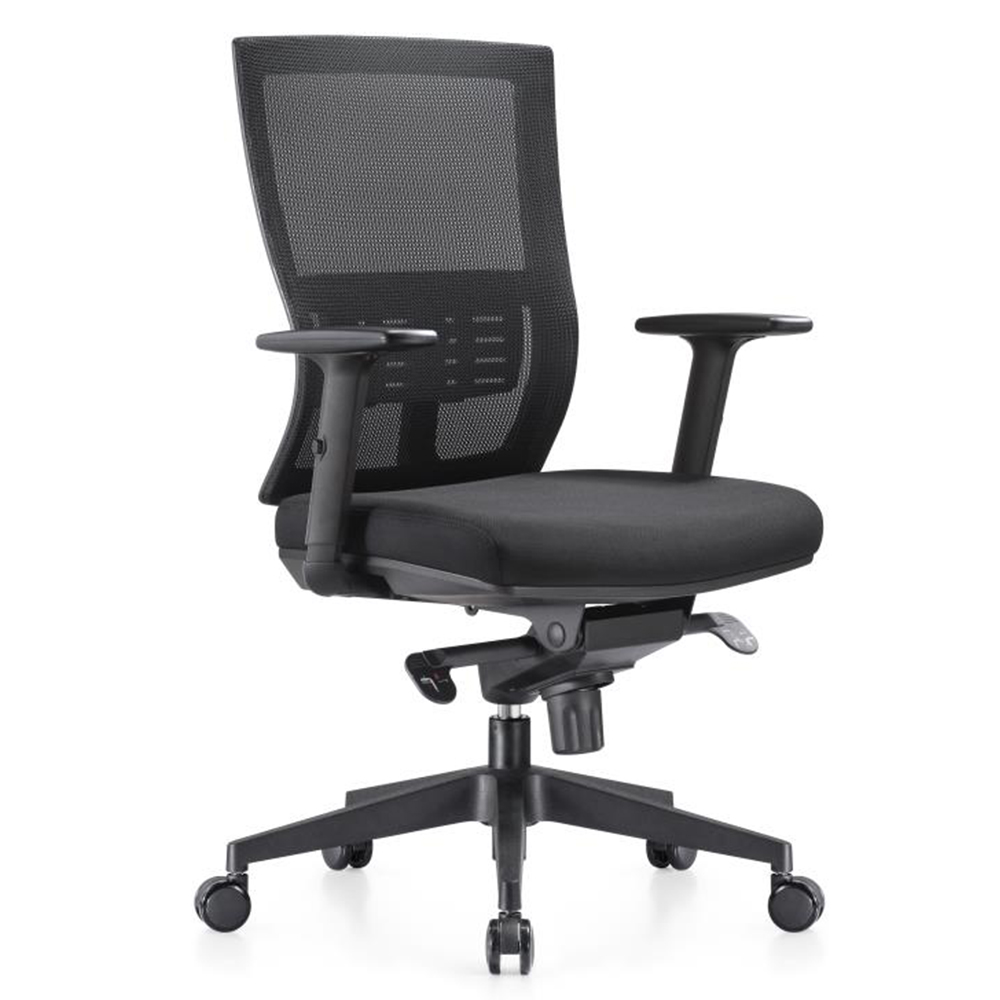
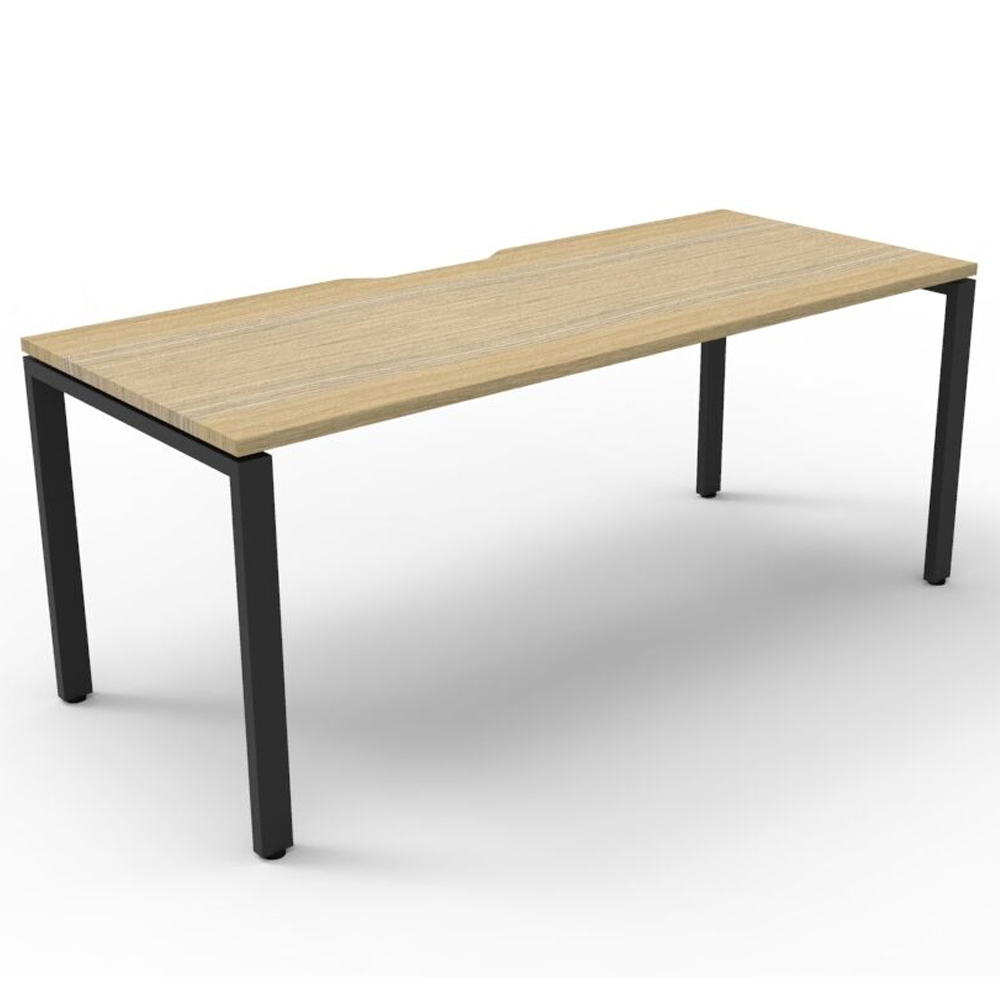
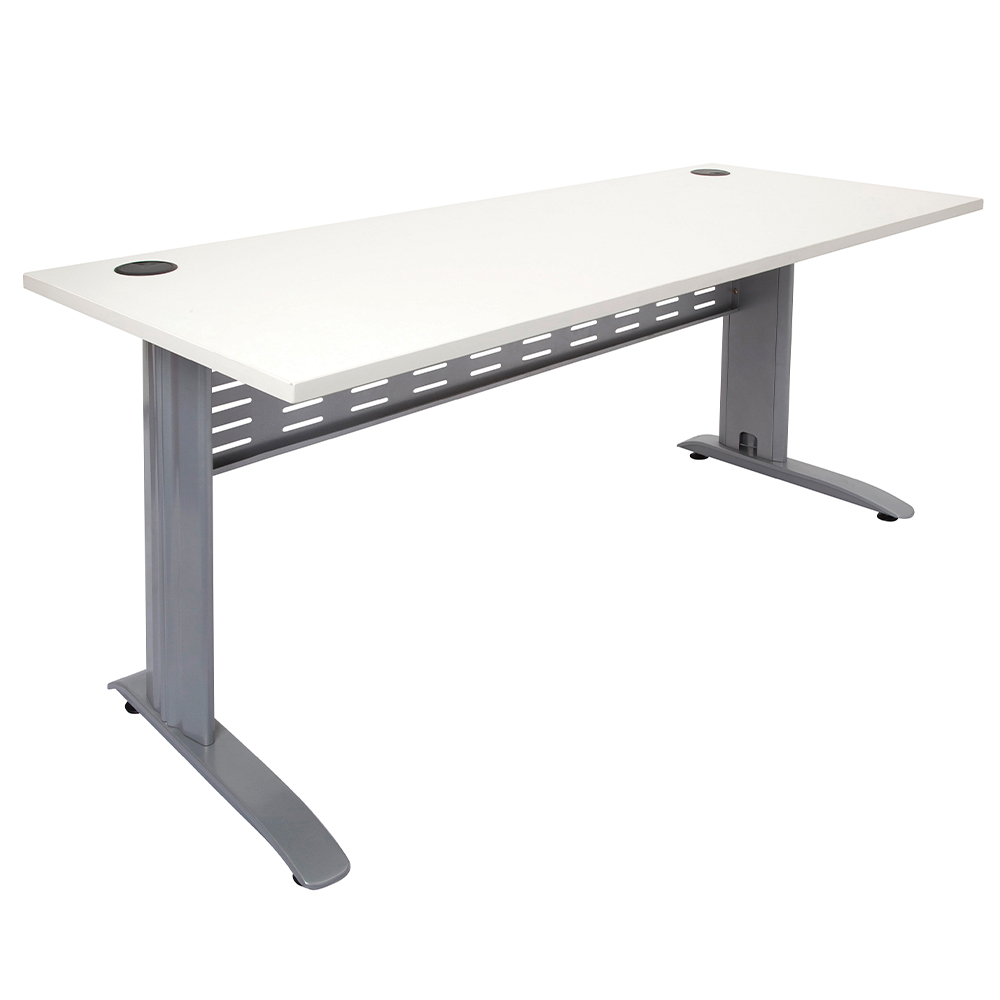
Your desk and chair form the foundation of your workspace, so investing in the right setup is critical. A quality office chair with proper lumbar support and adjustability will help maintain posture and reduce strain, while a desk at the correct height ensures comfort throughout the day. Your feet should rest flat on the floor, with your knees and hips at roughly a 90-degree angle. For added flexibility and movement, many professionals are now incorporating sit-stand desks into their home office setups.
Correct positioning of your screen, keyboard, and mouse is another essential factor in preventing discomfort. Your monitor should be positioned at eye level and approximately an arm’s length away, while your keyboard and mouse should sit at elbow height to maintain a neutral arm position. Relying solely on a laptop can lead to poor posture, so adding a monitor, laptop stand, or external keyboard can significantly improve your setup.
Maintaining proper posture throughout the day is equally important. Sitting with your feet flat, shoulders relaxed, and spine in a neutral position helps prevent strain and fatigue. Over time, poor posture can lead to ongoing discomfort and reduced productivity, making ergonomic alignment a key priority in any home office.
Lighting and environment also play a major role in how effectively you can work. Natural light is ideal, but it’s important to position your desk to avoid glare on your screen. Supplementing with task lighting ensures consistent visibility and reduces eye strain, helping you stay focused for longer periods.
Keeping your workspace organised is another simple but powerful way to improve productivity. A clutter-free desk reduces distractions and helps you stay focused on your tasks. Using cable management, desk organisers, and storage solutions can streamline your setup and create a more efficient working environment.
Even with the perfect setup, movement throughout the day is essential. Sitting for extended periods can lead to stiffness and fatigue, so it’s important to stand, stretch, or walk regularly. Alternating between sitting and standing, particularly with a sit-stand desk, can improve circulation, boost energy levels, and support long-term health.
Maintaining a clear separation between work and personal life is one of the biggest challenges of working from home. Setting defined working hours, avoiding work outside your designated space, and creating a shutdown routine at the end of the day can help reinforce boundaries and prevent burnout.
Finally, your home office should be designed with long-term use in mind. As remote work becomes more permanent, investing in ergonomic furniture, flexible setups, and productivity-enhancing tools will ensure your workspace continues to support your performance over time.
Setting up a home office isn’t just about having a desk – it’s about creating a workspace that supports how you work every day. By focusing on ergonomics, layout, comfort, and movement, you can build an environment that improves productivity, reduces discomfort, and supports long-term success.