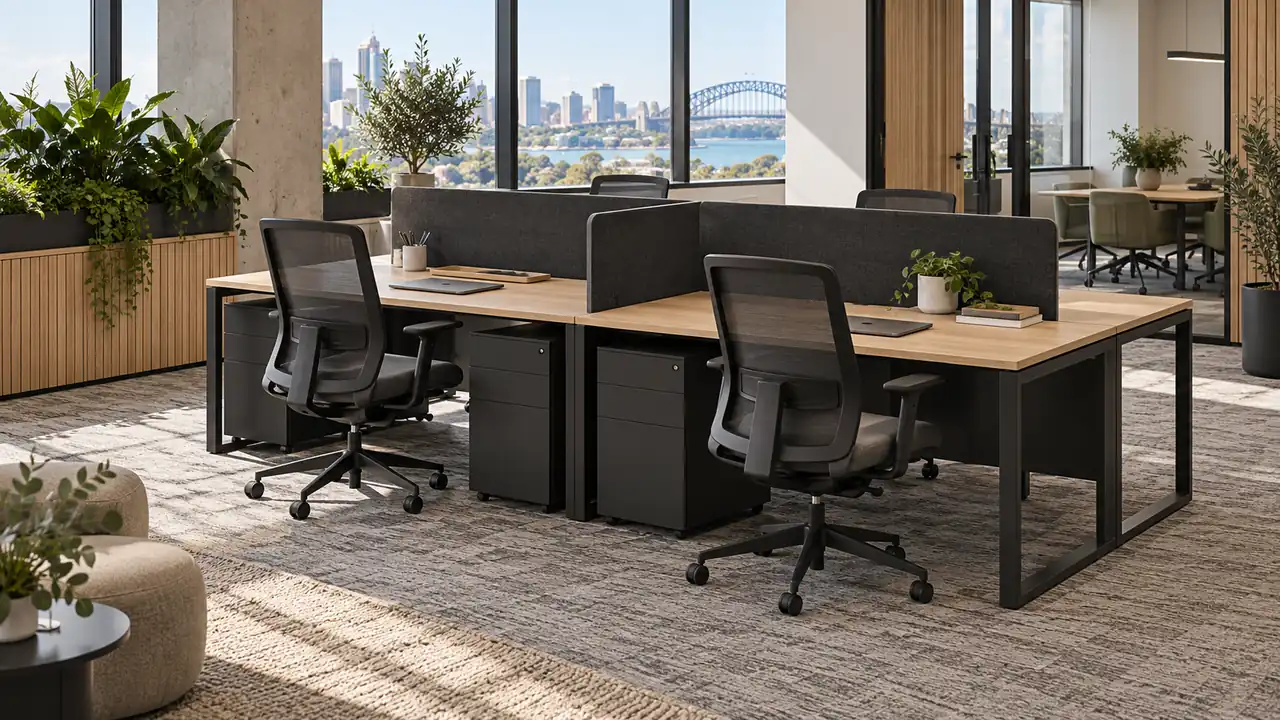
Back-to-back workstations usually create a compact rectangular pod, while side-by-side workstations create a longer linear run. Neither layout is automatically more space-efficient: the better option is the one that fits the room, circulation paths, power locations and daily work pattern.
Before choosing from Epic Office Furniture’s office workstation range, mark the complete working footprint on the floor. Include chairs, storage, screens, cables and the space people need to enter and leave—not just the desktop dimensions.
Start With the Room Shape and Team Pattern
Sketch the usable floor area after fixed constraints are removed. Mark columns, doors, glazing, air-conditioning outlets, power points and any furniture that will remain.
Then record how the team will use the space:
- How many people need permanent positions?
- Will the same people sit together every day, or will desks be shared?
- Does the team collaborate across desks or mainly work individually?
- Which positions require storage, multiple monitors or specialist equipment?
- Could headcount or team structure change during the expected life of the layout?
A four-person workstation is not simply four rectangles on a plan. Every user needs a practical approach to the chair, sufficient room to move, and a cable route that does not create a hazard or prevent future maintenance.
When Back-to-Back Workstations Make Sense
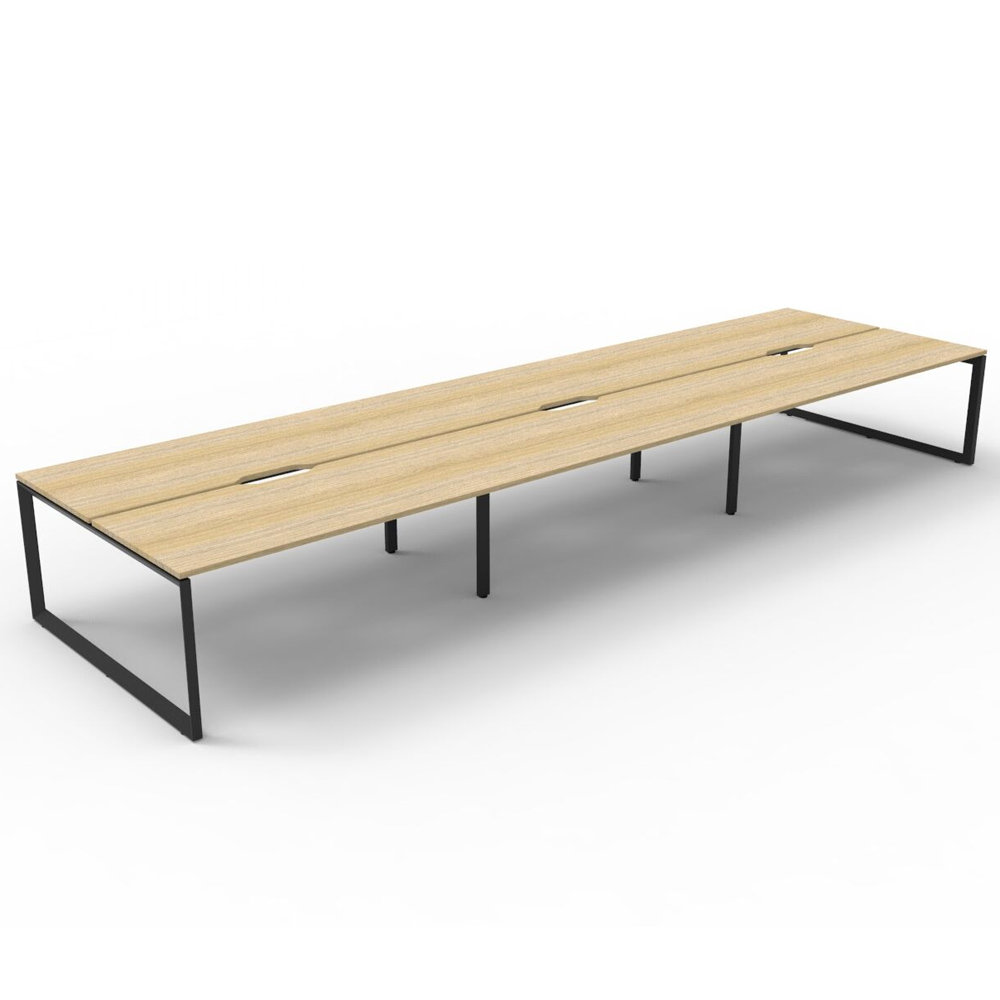
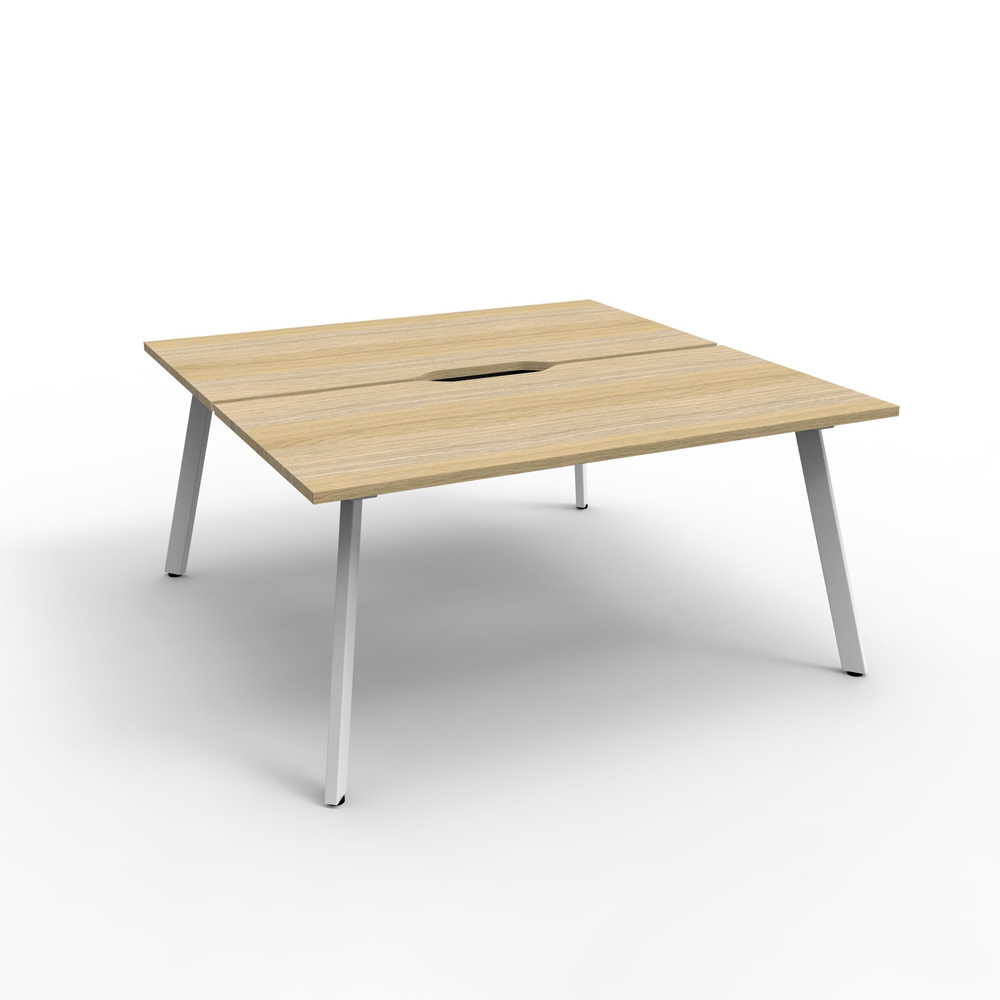
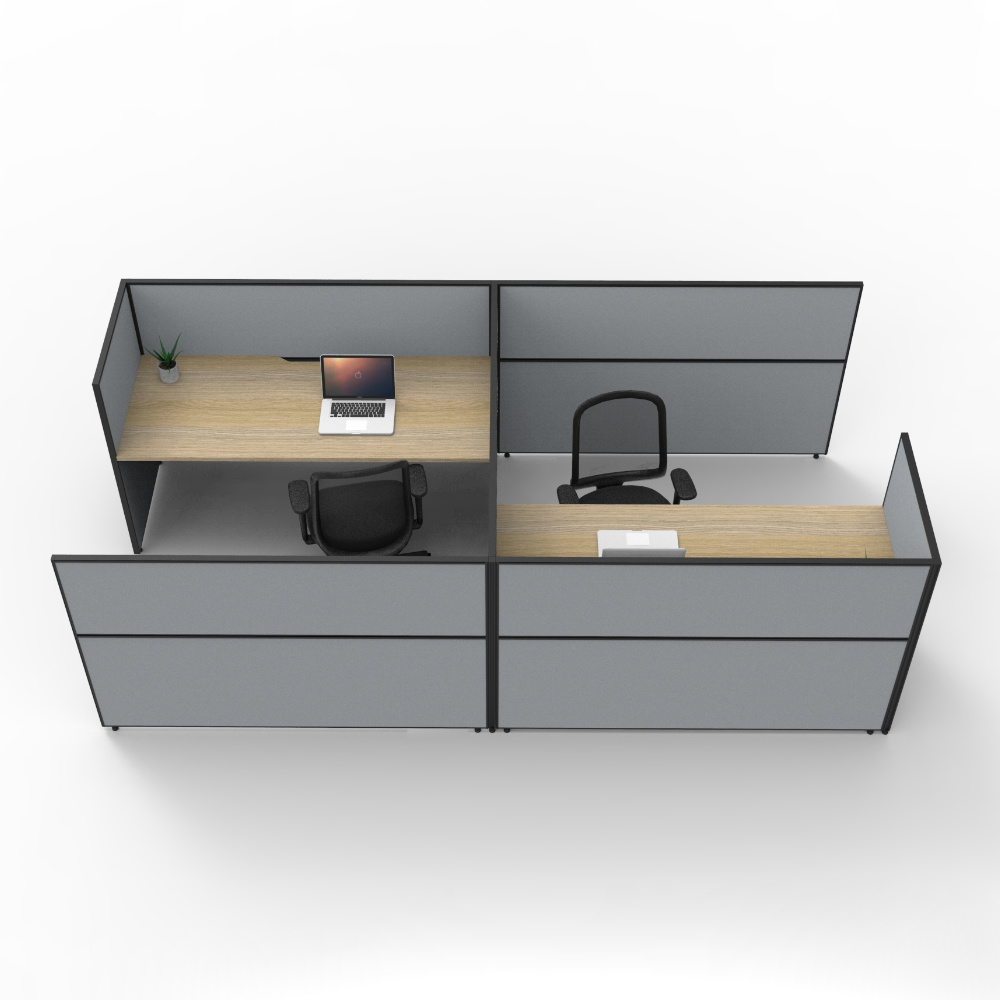
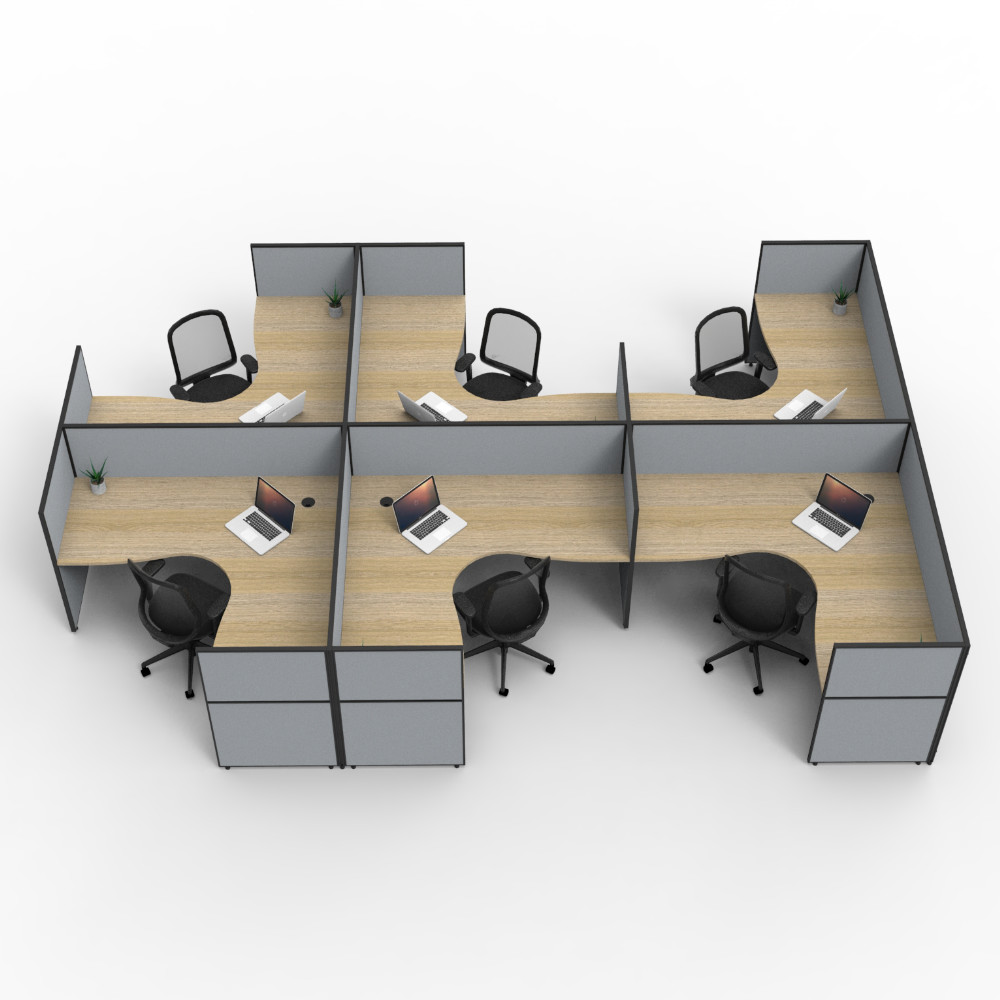
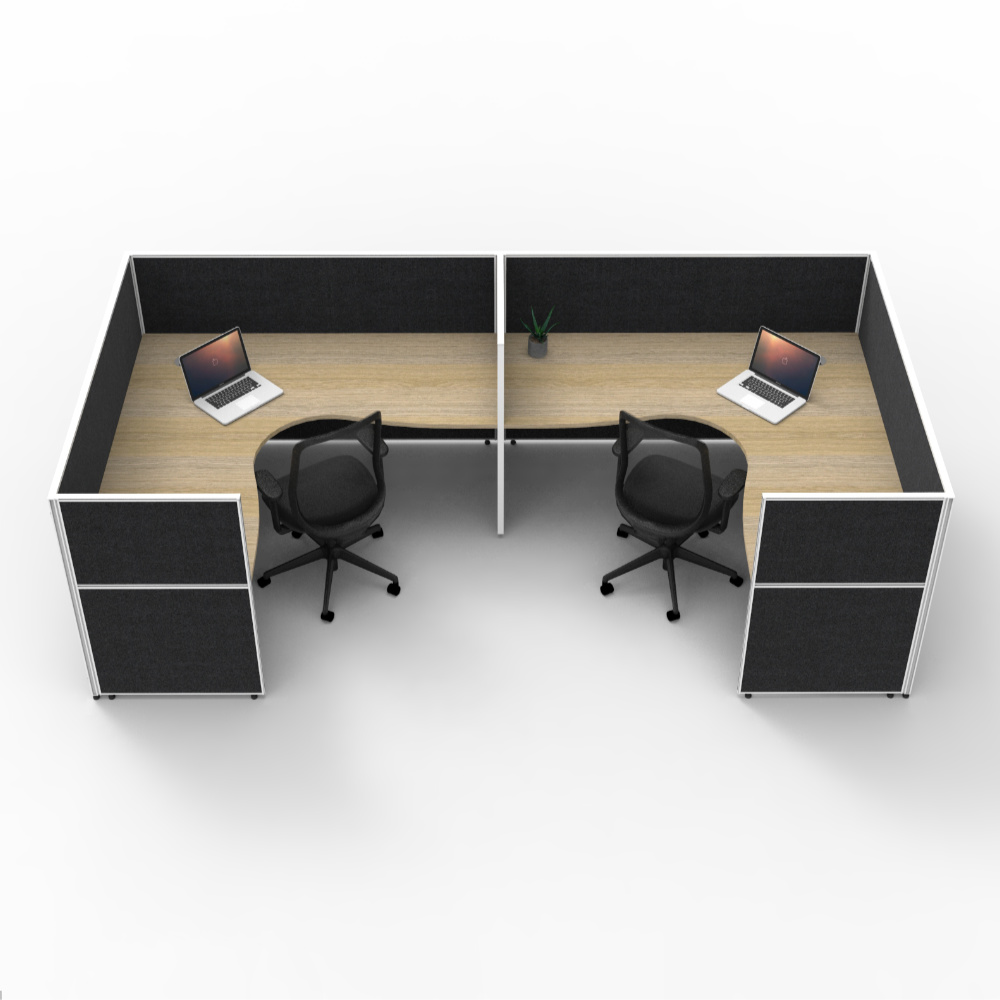
A back-to-back configuration places users in opposing rows around a shared centre line. It can suit a wider open area where the pod can be approached from both long sides and at least one end.
This arrangement can keep a team together in a defined zone. It may also consolidate screens and cable management through the centre of the pod, depending on the selected system.
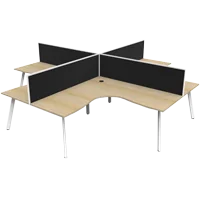
The live 4 Person Back-to-Back Workstation & Screens listing has desk-mounted pinnable privacy screens, cable-management holes and a steel frame. Its listed overall depth is 1450mm, with width options of 2400mm, 3000mm or 3600mm. Confirm the chosen variation and current specification before finalising the plan.
Allow for more than the 1450mm workstation depth. Chairs move beyond the desktop edge, people pass behind occupied seats, and mobile pedestals need room for drawers to open. If the pod sits between two circulation routes, test both sides while chairs are pulled back.
When Side-by-Side Workstations Make Sense
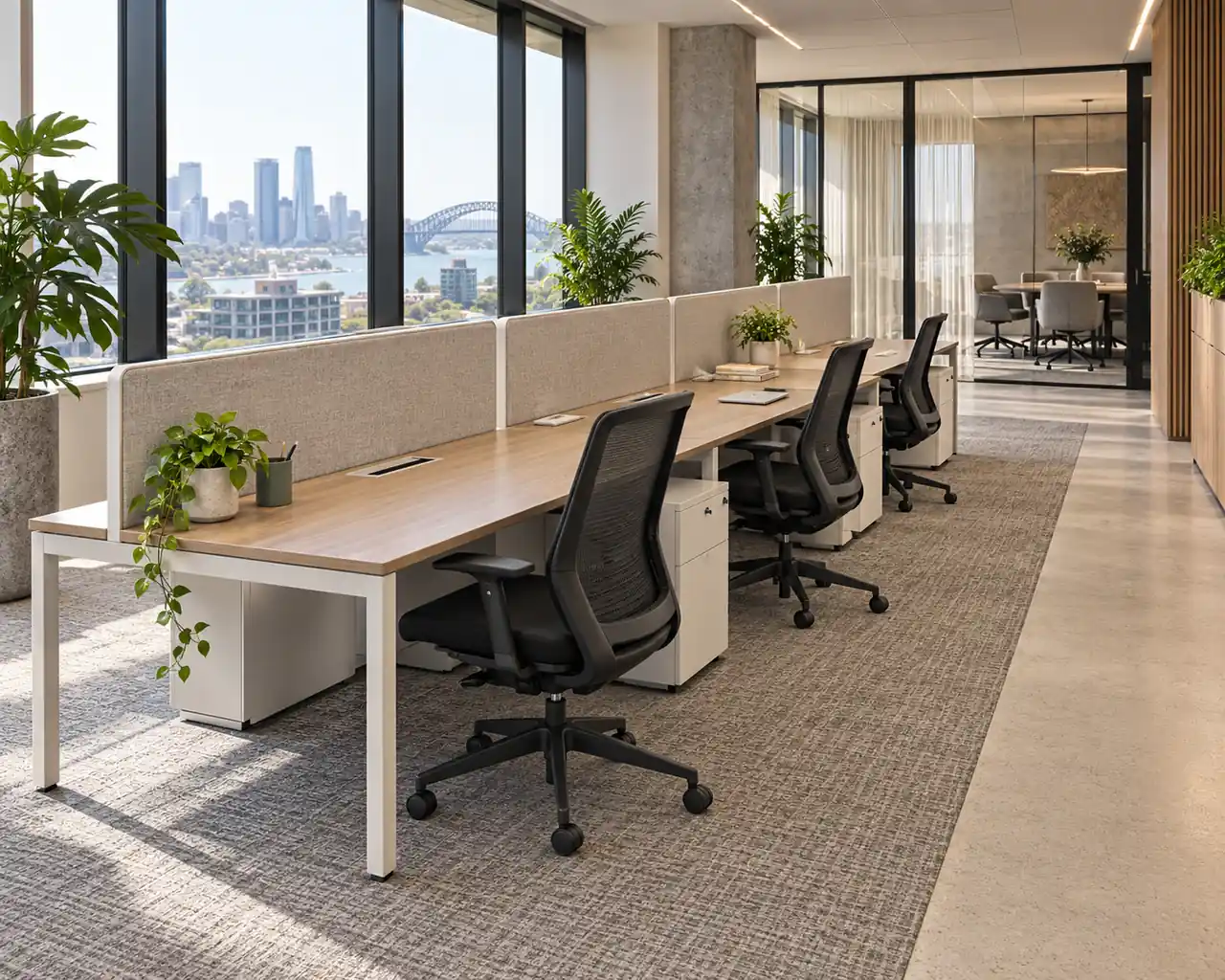
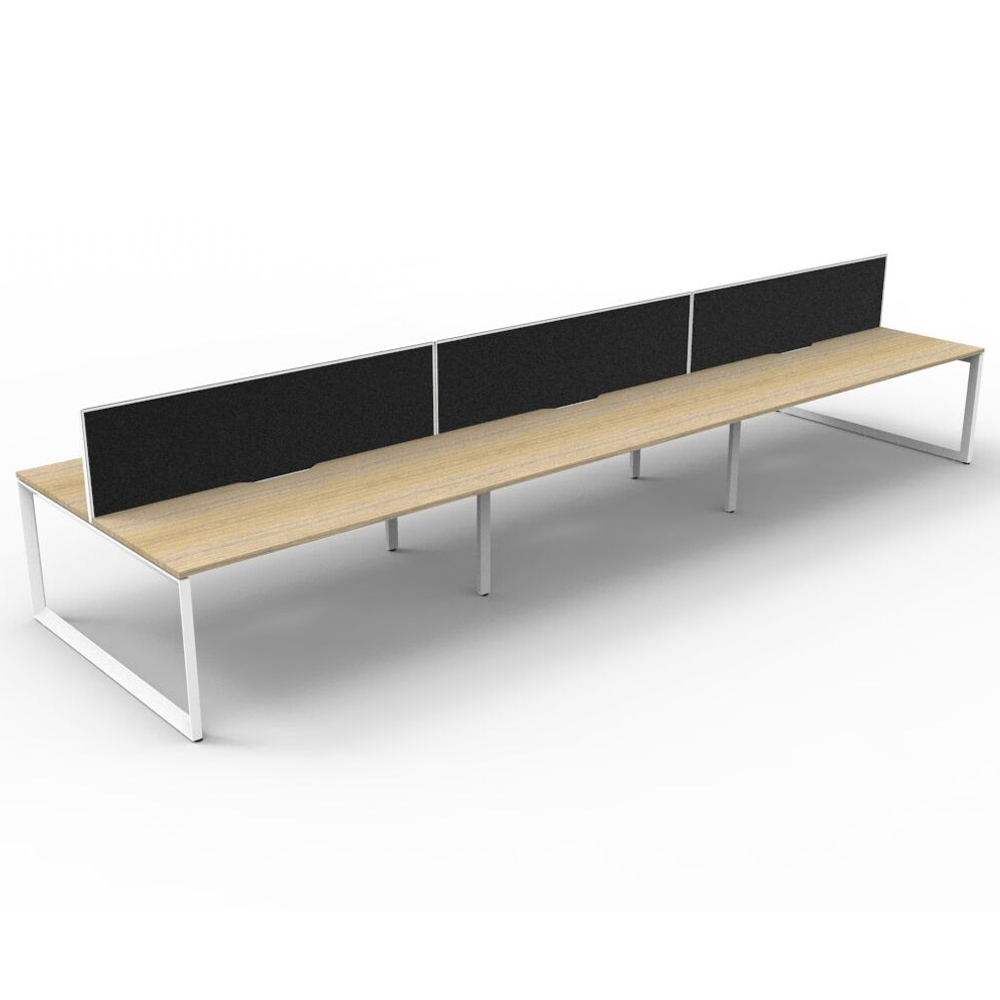
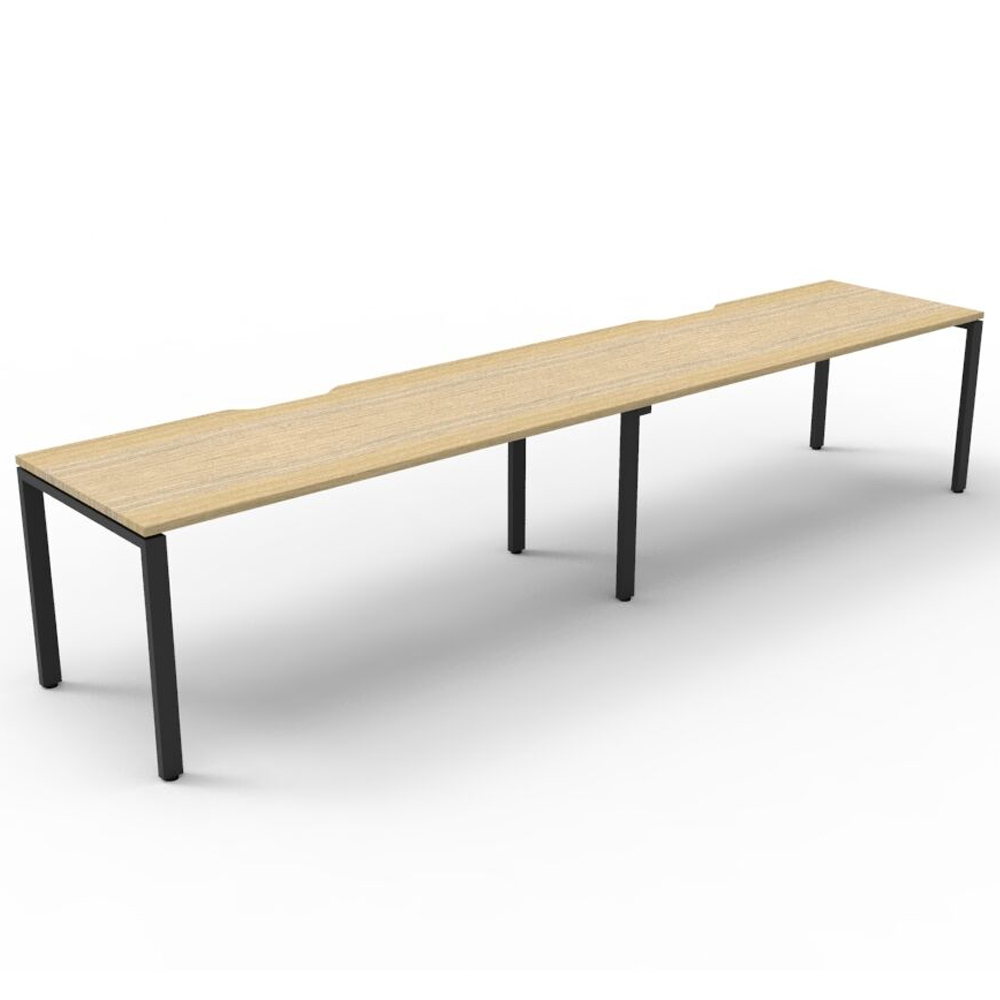
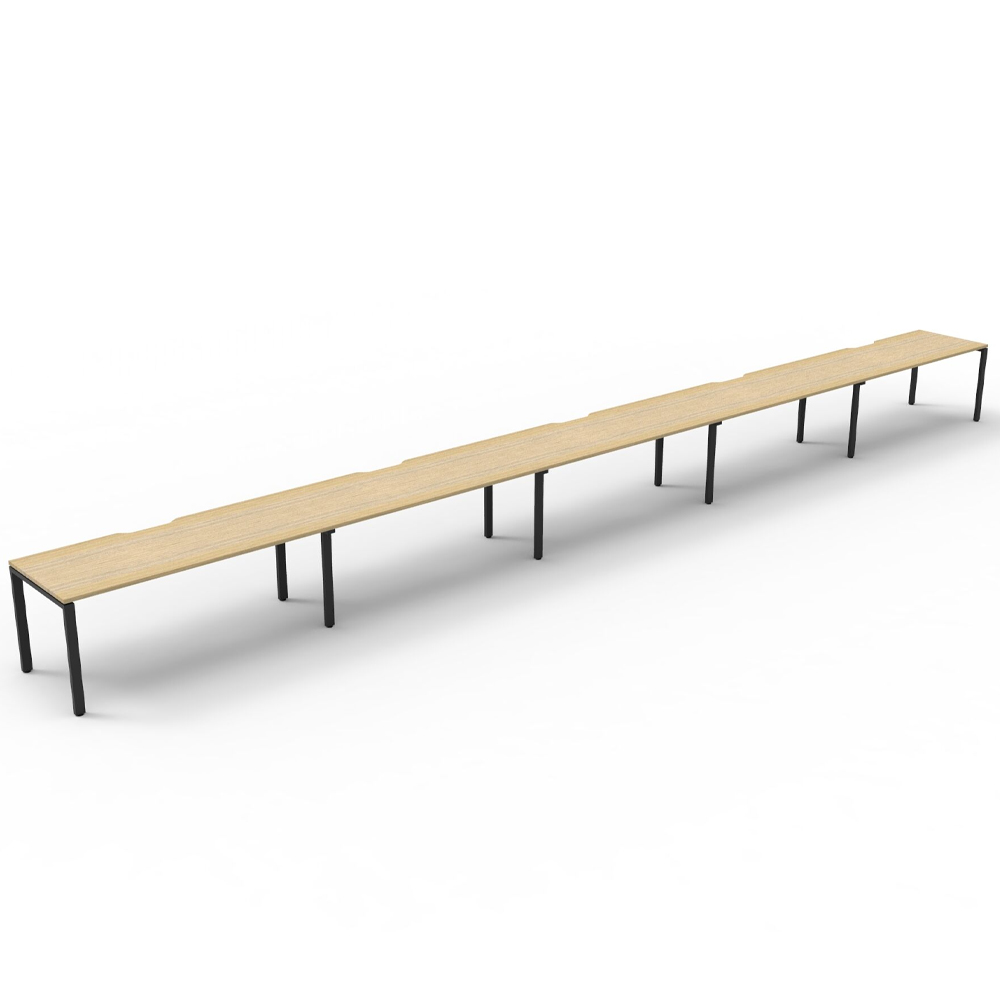
A side-by-side configuration forms a long row. It can suit a narrow room, a perimeter zone or a layout where people face the same direction. It can also simplify supervision or create a clear boundary between desks and another activity.
The trade-off is length. The live 4 Person Screen Hung Top Workstation listing offers individual desktop widths of 1200mm, 1500mm or 1800mm. Its corresponding approximate full lengths are 4950mm, 6150mm and 7350mm, with a listed depth of 730mm. Those dimensions show why a linear workstation can be shallow yet difficult to fit on a short wall.
Check what happens at both ends of the row. A workstation that fits between two walls may still leave no practical path to the furthest seat, no location for storage and no access for installation or cable maintenance.
Compare Complete Working Footprints
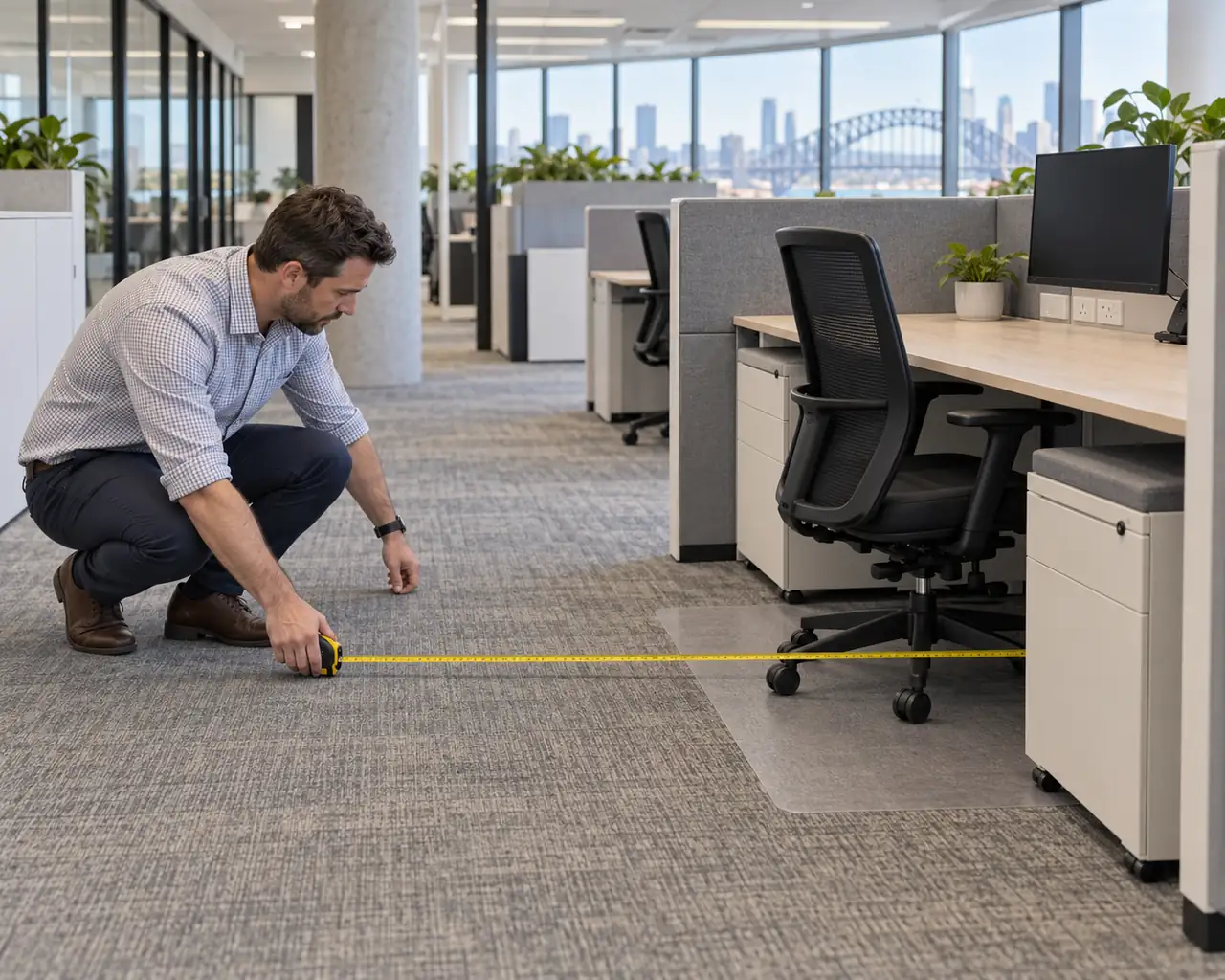
Draw both options to scale. For each, include:
- The exact overall dimensions of the selected workstation variation.
- Chair movement and the occupied seating position.
- Pedestal, cupboard or shared-storage access.
- Monitor arms and other accessories that project beyond the desktop.
- Floor boxes, wall outlets and cable routes.
- Access to windows, doors, controls and service points.
- Delivery, assembly and future removal routes.
Use the same assumptions for both layouts. Comparing a bare back-to-back frame with a fully equipped side-by-side row will produce a misleading result.
Mark the layout on the floor with removable tape or cardboard. Place chairs in their expected positions and walk the main routes with several people present. A scaled plan is essential, but a physical test often reveals conflicts around chair backs, corners and storage.
Decide How Much Separation the Team Needs
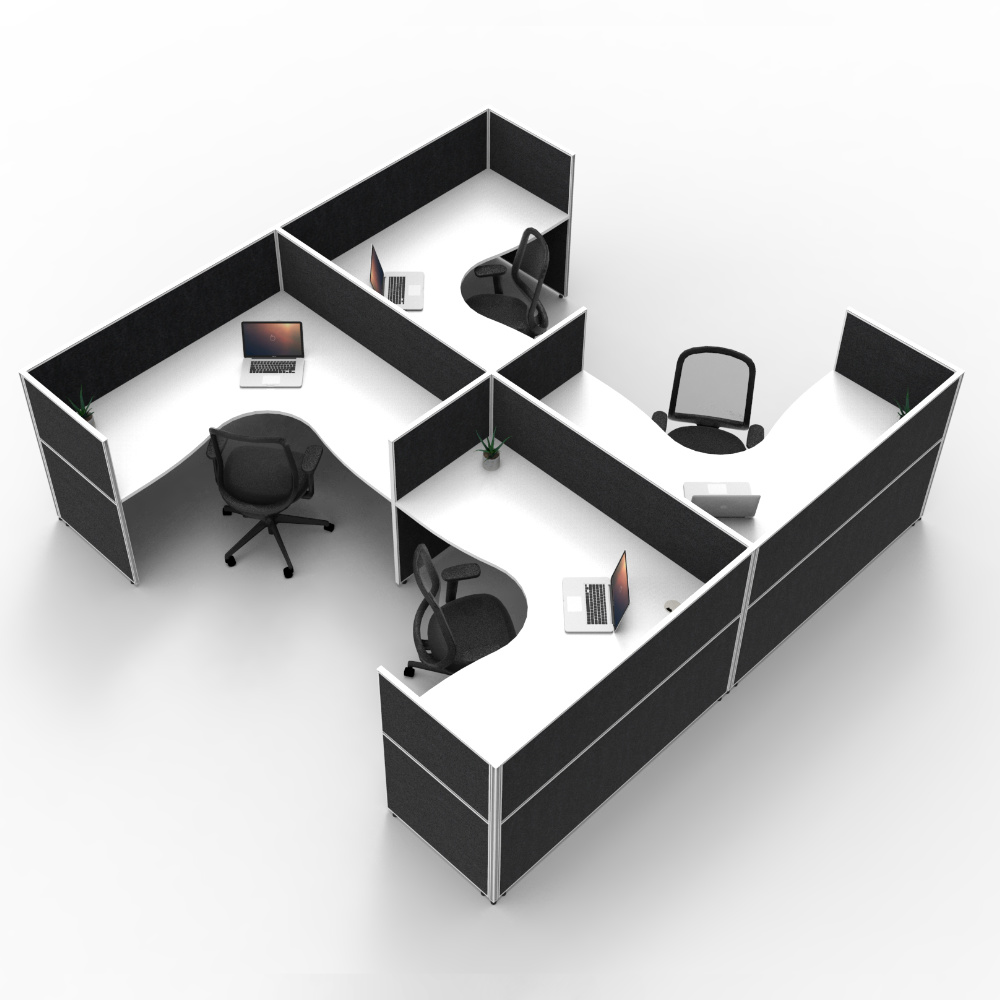
Screens can define individual positions, provide a pinnable surface and reduce direct visual distraction. They should not be treated as a complete acoustic solution for an open office without considering the room as a whole.
Compare screen height, mounting method and relationship to monitors. A screen that supports a desktop is a different system from one mounted onto a freestanding desk. Confirm which components are structural, which are optional and how changes would be made later.
Also check sightlines. Taller screens may provide more separation but can change daylight, supervision and communication across the workstation. Ask the people using the area what information they need to see and who they need to speak with during ordinary work.
Plan Power and Cable Access Before Ordering
Count the devices expected at each position, including monitors, chargers and any shared equipment. Identify the available power and data points, then agree how cabling will reach the workstation without crossing a walkway.
For a back-to-back pod, a central route may be practical where floor or ceiling services align with the centre. For a side-by-side row, the nearest connection may be at one end or along a wall. Either arrangement needs an accessible path for installation and maintenance.
Do not assume that cable holes include every tray, duct or power component required. Ask the quotation to identify included cable-management parts and any accessories separately.
Leave Room for Change
Consider whether the workstation might be extended, divided or relocated. A modular system can support change only where the room, services and selected components allow it.
Record the product range, finishes and configuration after installation. This gives future purchasers a reliable reference if another position or matching component is required.
If sit-stand work is part of the brief, compare the footprint, power requirements and screen compatibility of the exact height-adjustable configuration rather than assuming a static workstation can be converted later.
Prepare a Quote-Ready Layout Brief
Send the supplier a marked floor plan showing room dimensions, doors, columns, windows, power points and proposed workstation positions. Add the required seat count, desktop size, screens, storage, accessories, delivery access and desired installation scope.
Ask the response to confirm the exact workstation configuration, overall dimensions, included components and any assumptions made about access or services.
To have both layouts checked against the same brief, request an office workstation quote from Epic Office Furniture. Include photographs and access measurements as well as the room plan.