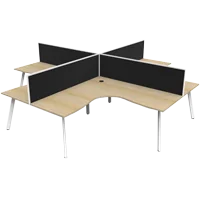
Choose a corner desk by measuring its complete footprint, confirming the orientation and planning where your equipment, chair and storage will sit. The right configuration should provide useful working space while allowing easy access around the workstation.
For Australian businesses, a corner workstation can suit roles that combine computer work with documents, plans or other desktop tasks. Epic Office Furniture’s corner office desks include fixed-height and adjustable configurations, giving you options to assess against your workspace and budget.
Before ordering, work through the following checks to choose a desk that fits both the room and the way it will be used.
1. Decide Whether a Corner Desk Suits Your Work
A corner desk is worth considering when you need two connected working areas.
One section might hold your computer equipment, while the other provides space for reviewing documents, taking notes or organising project materials. This can be useful for administration, management, design and other roles that regularly move between screen-based and paper-based work.
Start by listing what needs to remain on the desktop:
• Monitors and their stands
• Keyboard and mouse
• Laptop, dock or telephone
• Documents and reference materials
• Everyday accessories
• Equipment requiring permanent desktop space
Then ask whether the additional surface will serve a clear purpose.
If most work happens on a laptop with limited paperwork, a corner configuration may occupy more room than necessary. In a narrow office or a layout with repeated rows of desks, straight office desks may be easier to arrange.
The useful comparison is how each desk supports the job within the available floor space.
2. Understand Corner Desks, L-Shaped Desks and Returns
Product names can overlap, so check the construction and dimensions rather than relying on the label alone.
Corner workstations
A corner workstation typically provides a working surface that changes direction around an inside corner. Depending on the design, users may work along one section or face into the corner.
Look at the desktop shape, supporting frame and available legroom to understand where the main working position should be.
L-shaped desks
An L-shaped office desk has two perpendicular sections. These may have equal lengths or combine a longer main desk with a shorter side section.
An unequal configuration can be useful when one wall or side of the room offers more space than the other. Its suitability still depends on the complete assembled dimensions.
Desks with returns
A desk return is an additional surface that extends from a compatible main desk. Compatibility matters: a matching finish does not establish that two furniture components can be joined.
For example, the Rapid Worker Desk Return is designed to extend the Rapid Worker Straight Desk. Its listing specifically excludes use with other desk types, including the Rapid Worker Corner Workstation.
If you want to extend an existing desk, identify the original model before choosing an add-on.
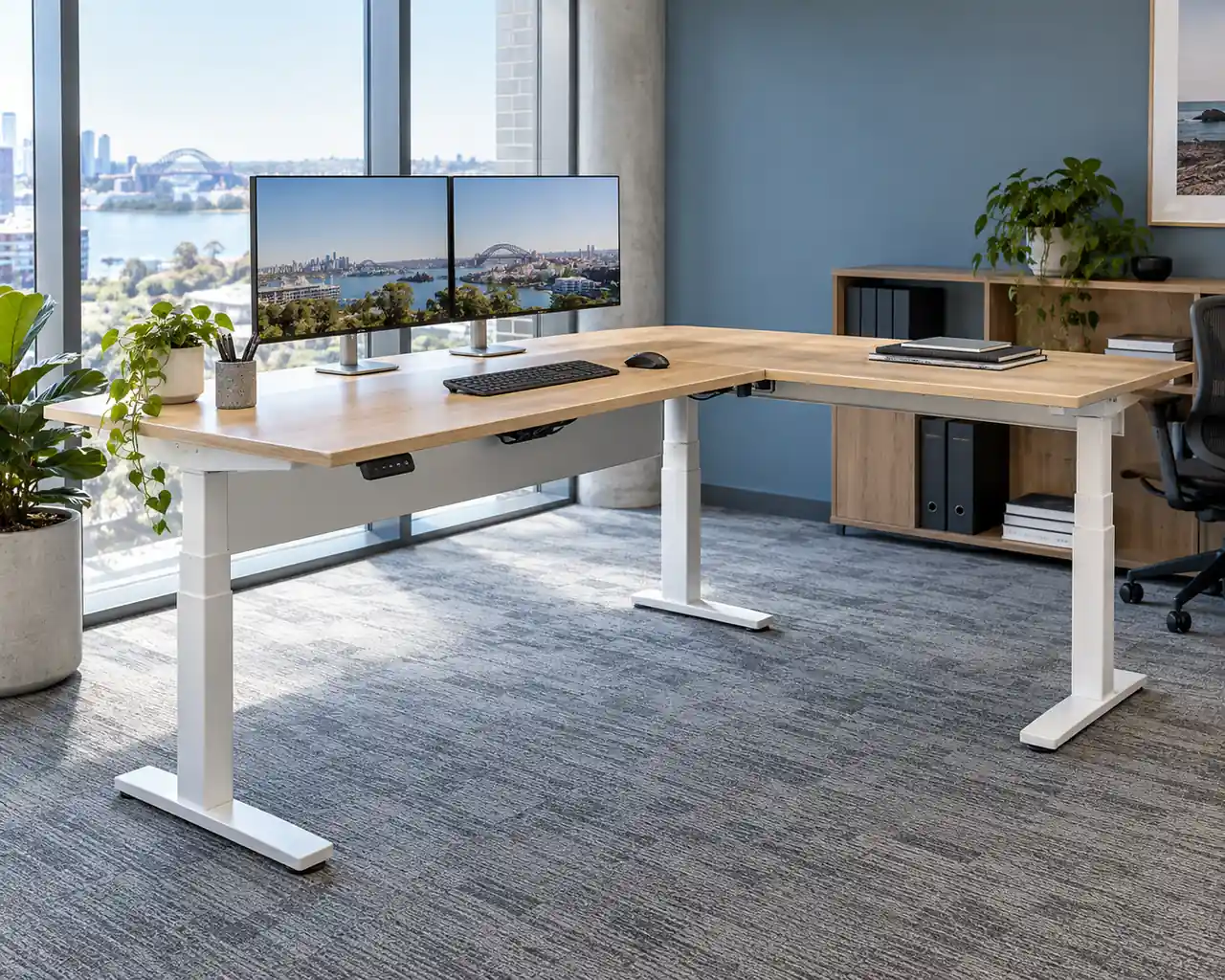
3. Measure Overall Dimensions and Desktop Depth
A corner desk needs more careful measurement than a rectangular desktop because several dimensions affect the fit.
Record:
• The overall length along each outside edge
• The depth of each working surface
• The shape and position of the inside corner
• The location of legs, panels and supporting frames
• The space available for your chair
For a desk advertised as 1800 × 1500mm, confirm whether those measurements describe its overall outside dimensions. Do not assume that a separately listed return length represents the complete assembled side.
Component dimensions and finished furniture dimensions can differ depending on how the sections connect. Use the product drawing or assembly information to establish the final footprint.
Why desktop depth matters
A wide desk can still feel crowded if its usable depth does not suit the equipment.
Monitor stands, laptop docks and cable connections all occupy space. Check that the desktop can accommodate your equipment while leaving a practical area for the keyboard, mouse and documents.
If you plan to use monitor arms, confirm the desktop edge, thickness and underside clearance suit the proposed mounting system.
Test the footprint before buying
Mark the proposed desk shape on the floor with removable tape. Position your existing chair within the layout and check how you would enter, sit down and move between the two working surfaces.
This can reveal problems that are difficult to spot from dimensions alone.
4. Confirm Left-Hand, Right-Hand or Reversible Orientation
The return position affects how you enter the workstation and how the desk interacts with doors, windows and nearby furniture.
Before selecting a left-hand or right-hand configuration:
• Identify your main seated working position.
• Decide which side should provide the additional surface.
• Check that the return does not obstruct access.
• Compare your layout with the supplier’s product drawing.
• Confirm that the selected option matches the required arrangement.
Avoid ordering from a photograph alone. Images may show one configuration while the product offers several alternatives.
If a desk is described as reversible, check what can actually be changed. Confirm whether the return, storage components and supporting frame can all be assembled in the required position.
For a multi-desk order, record the orientation for each workstation on the floor plan. Different positions within the same room may require different configurations.
5. Include Chair Movement and Storage Access
A desk that fits between two walls may still leave an awkward working area.
Allow for the space needed to:
• Pull the chair away from the desktop
• Enter and leave the workstation
• Turn towards the return
• Open nearby drawers and cupboards
• Use adjacent desks
• Move through the room
Under-desk furniture also affects the available space. A pedestal positioned close to the inside corner may prevent the user from moving comfortably between the two surfaces.
For a larger fitout, assess the desk within the complete office layout. Epic Office Furniture’s guide to workstation space planning explains how desks, chairs, storage and circulation need to be considered together.
Choose the workstation footprint before committing to quantities, particularly when fitting several corner desks into a shared office.
6. Plan Storage Around the Working Position
When comparing a corner desk with drawers or storage, check exactly what the selected configuration includes.
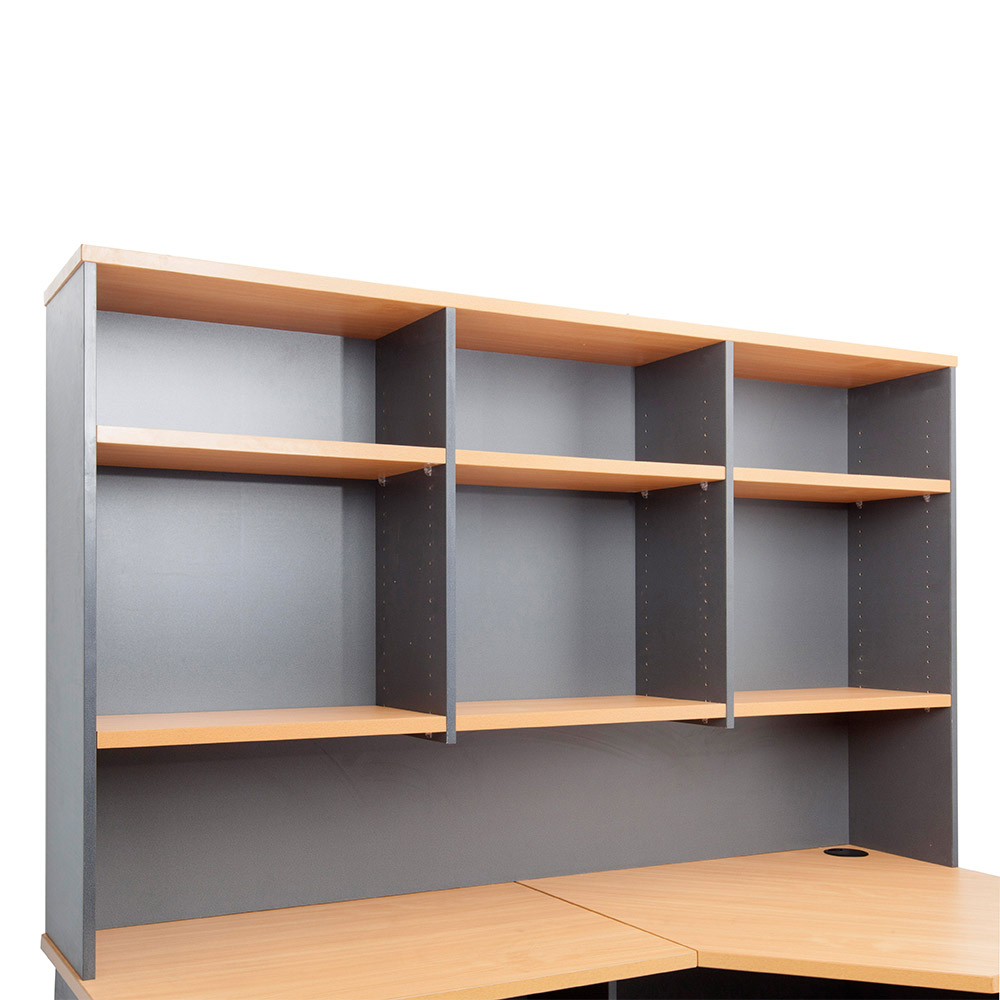
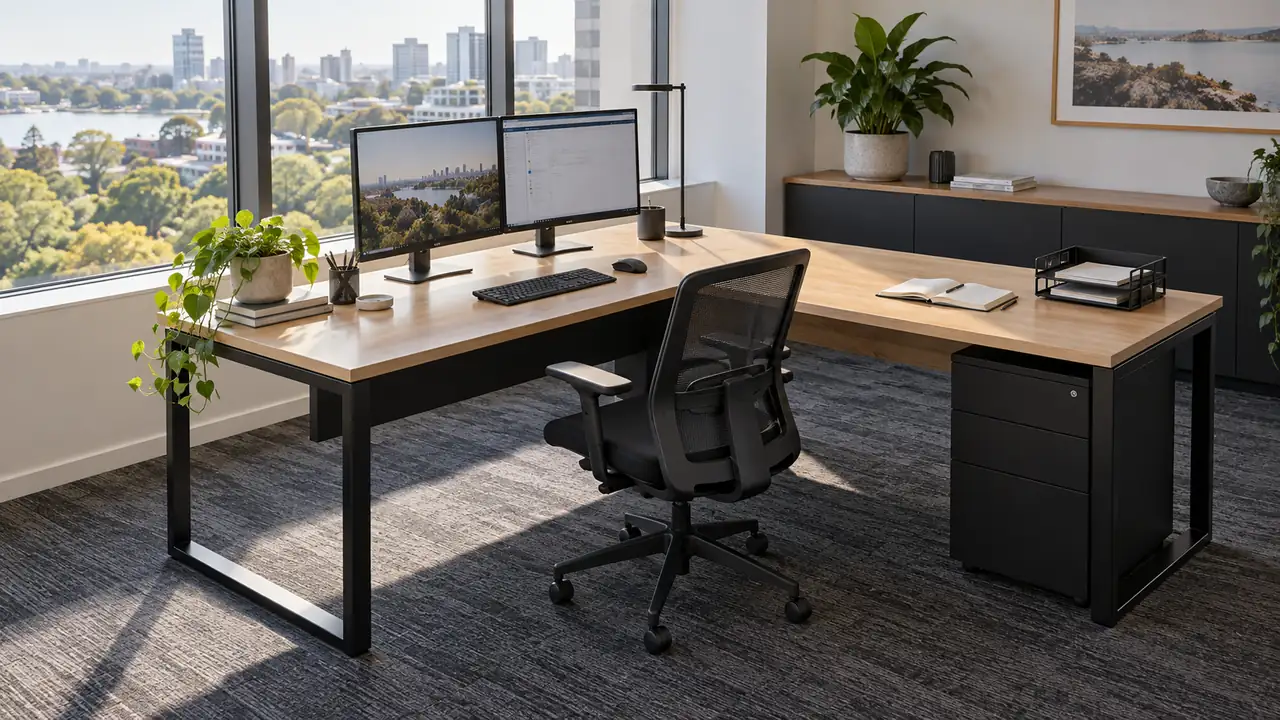
Product photography may show a furnished workspace containing separately sold accessories. Confirm whether the advertised desk includes a pedestal, fixed drawers, shelving or other storage.
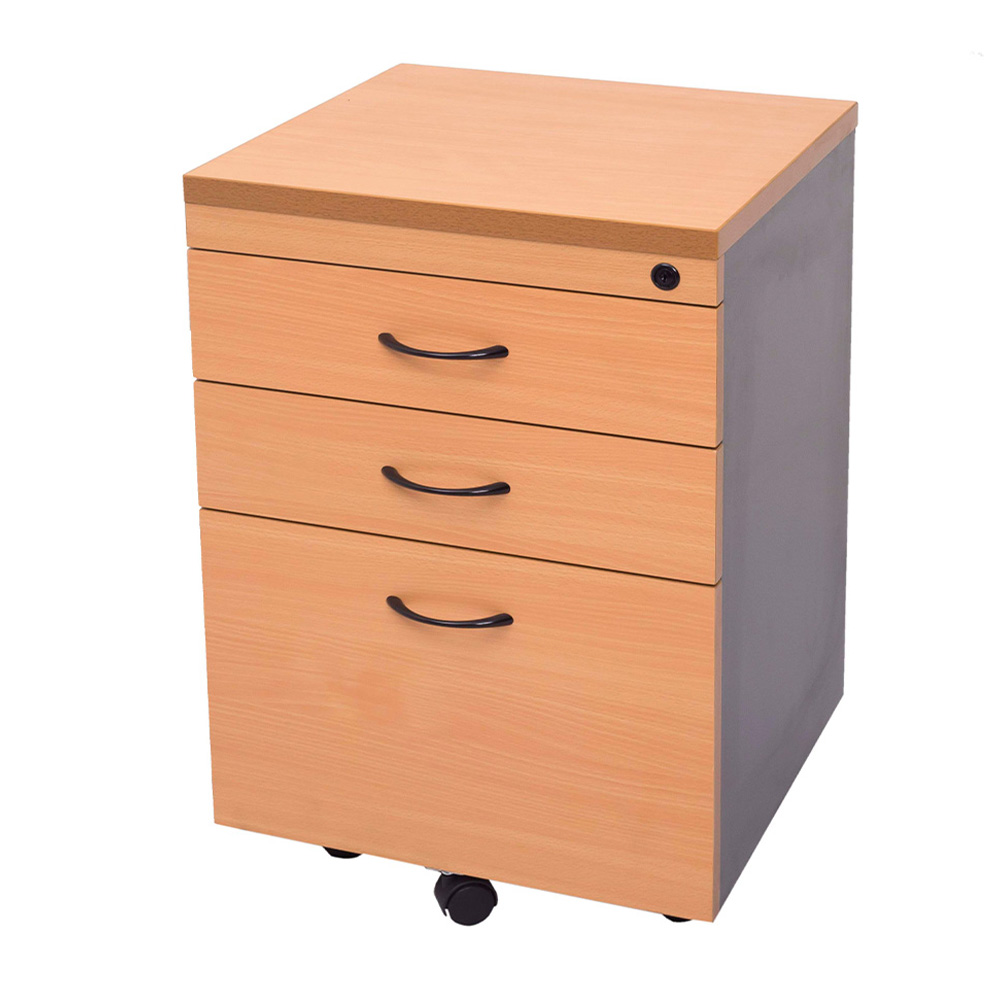
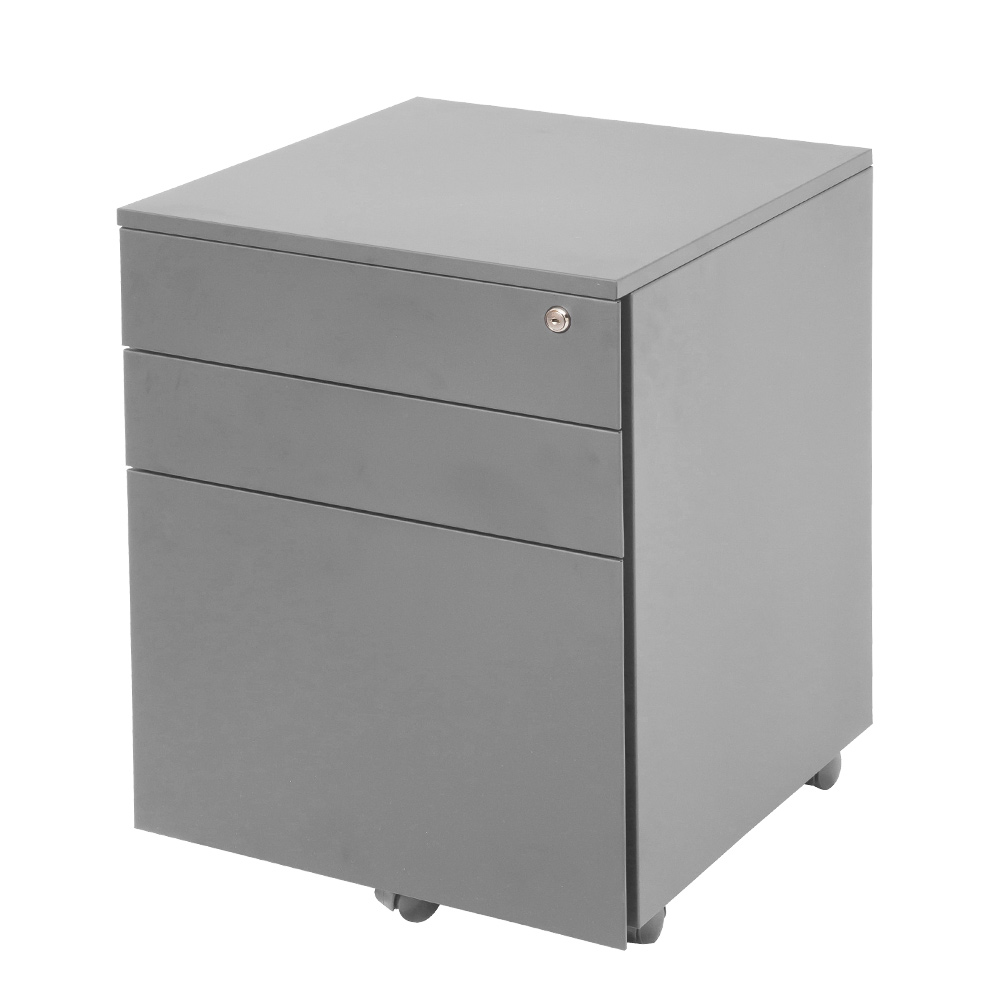
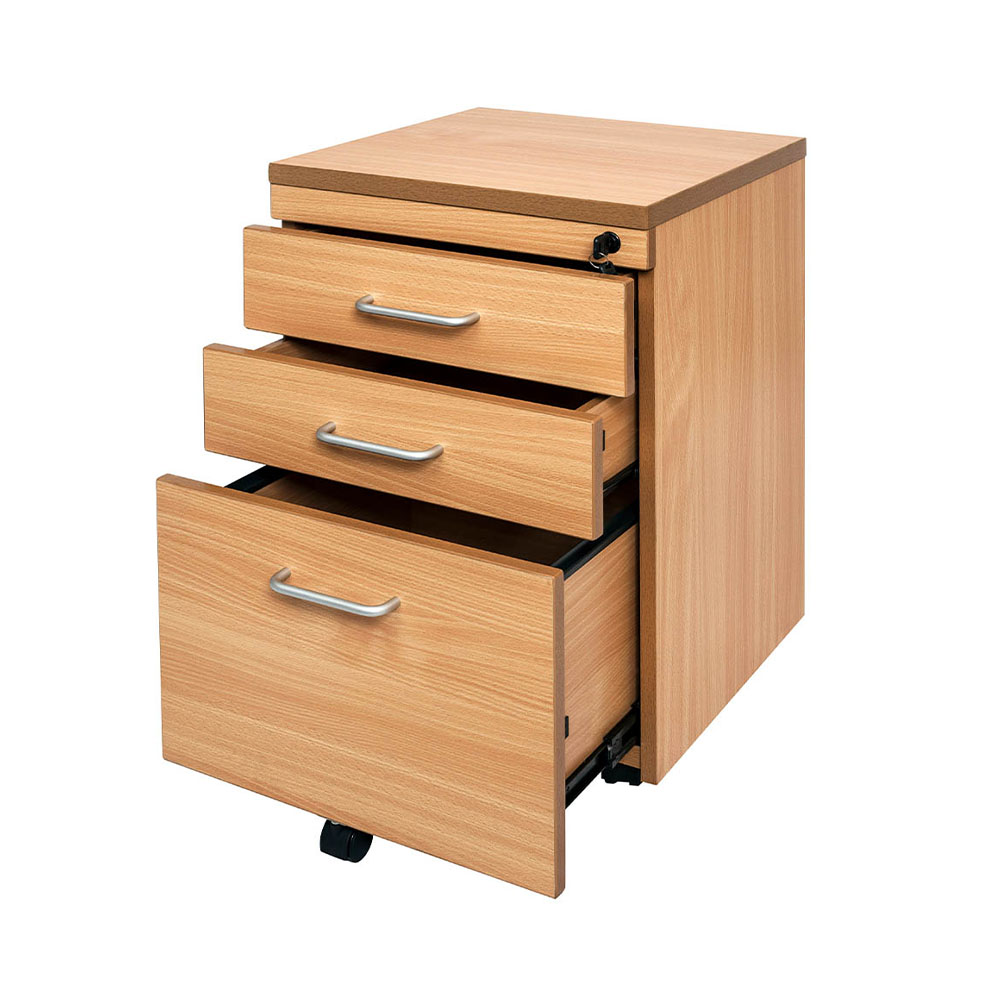
Mobile pedestals
A mobile pedestal can provide flexibility when its dimensions suit the available space. Check its height, width and depth, including handles and castors.
Position it where drawers can open without blocking the chair or the main working position.
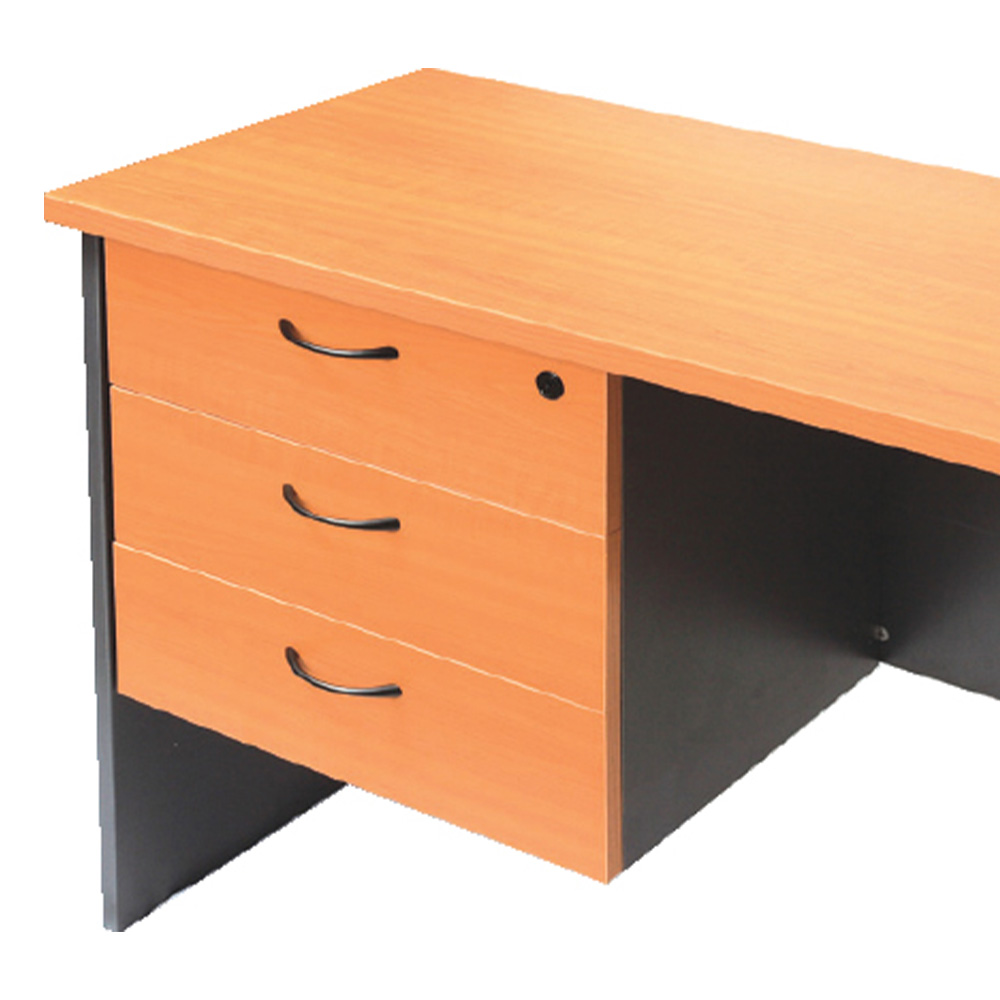
Fixed drawers
Fixed storage can create a coordinated workstation, but its position may limit how the desk is configured.
Check which side the drawers occupy and whether they affect the return orientation or available legroom.
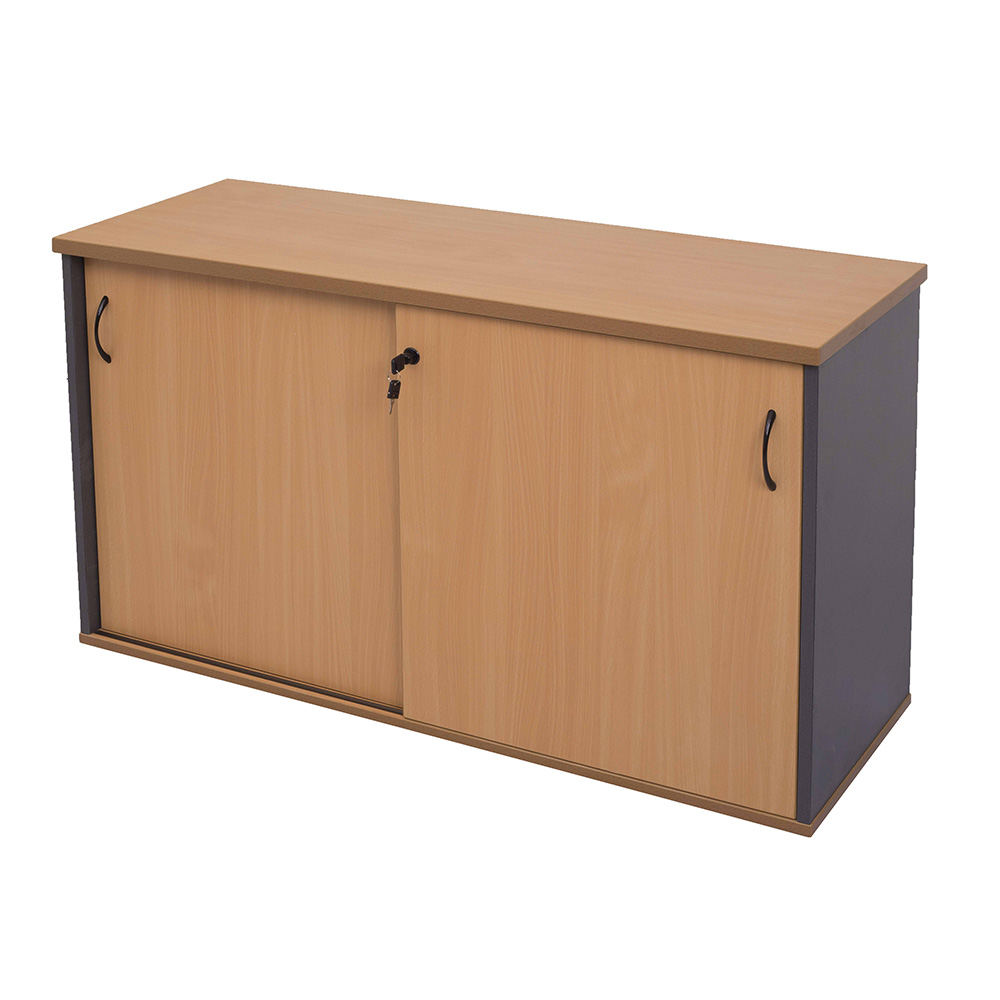
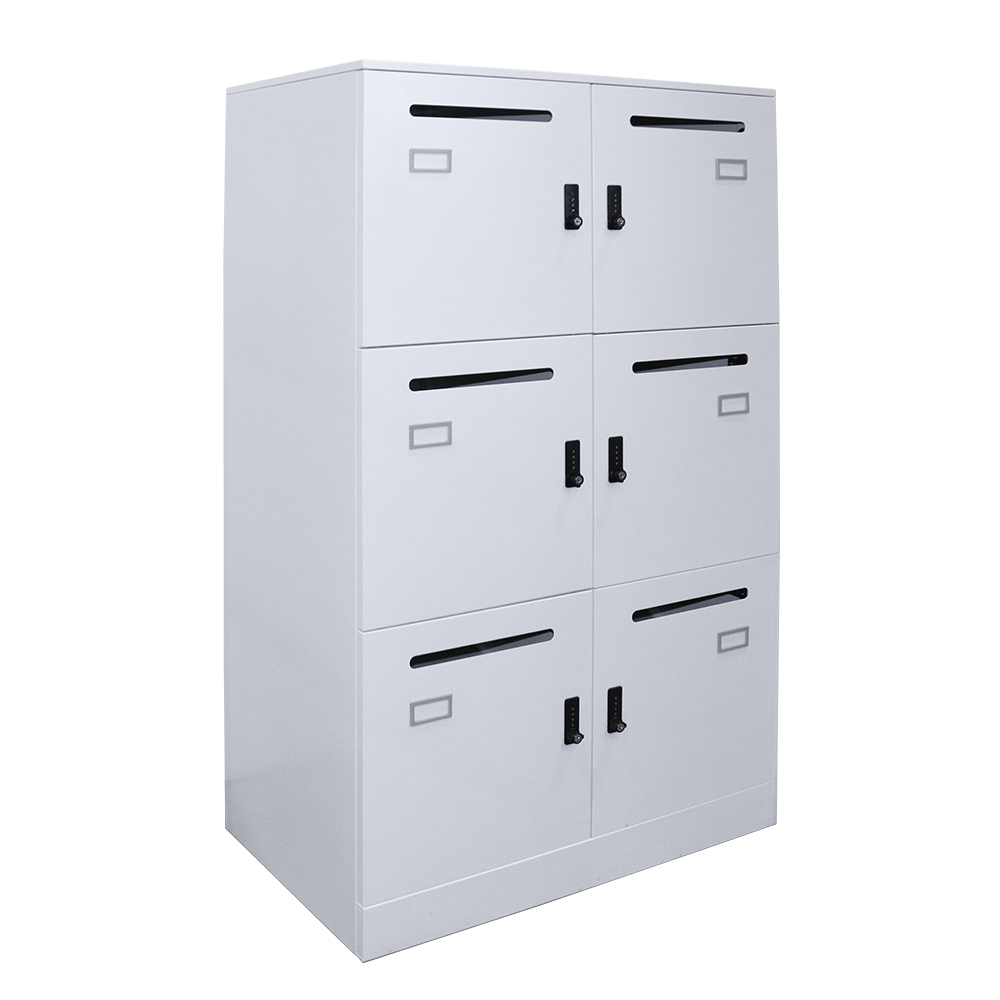
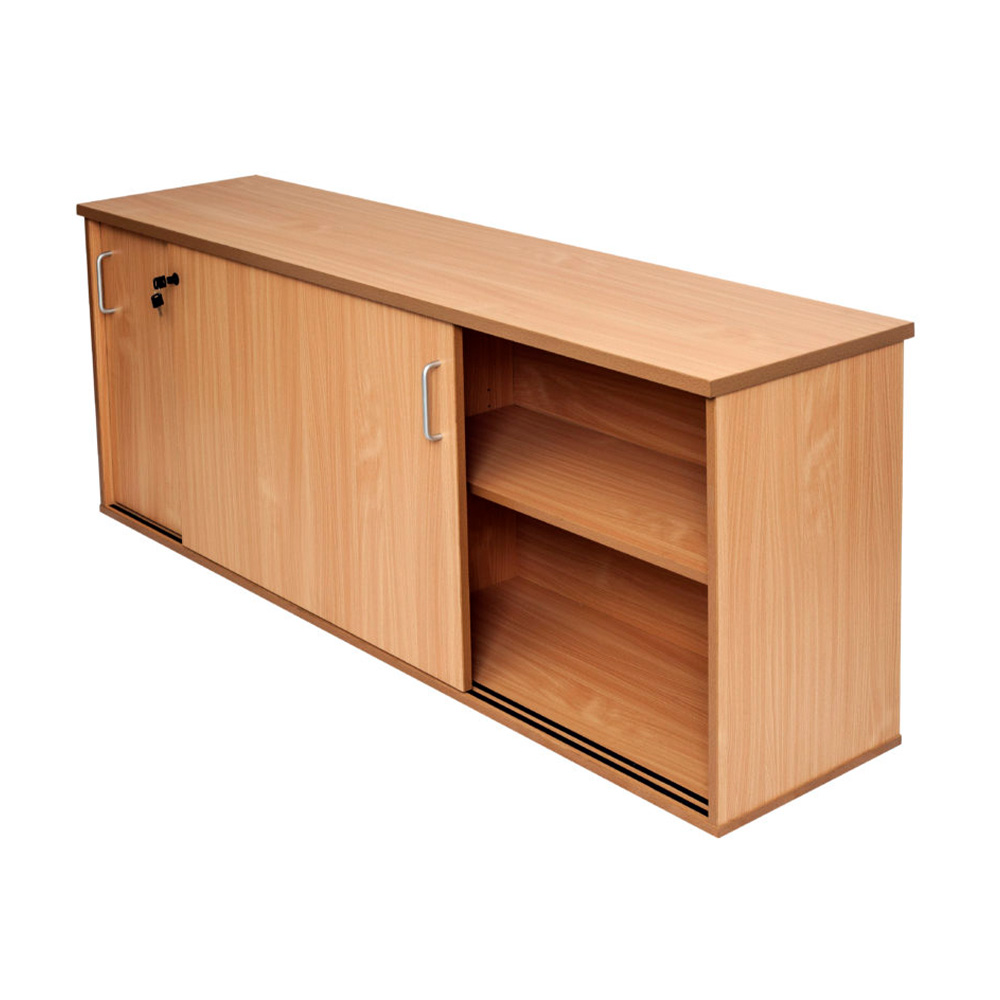
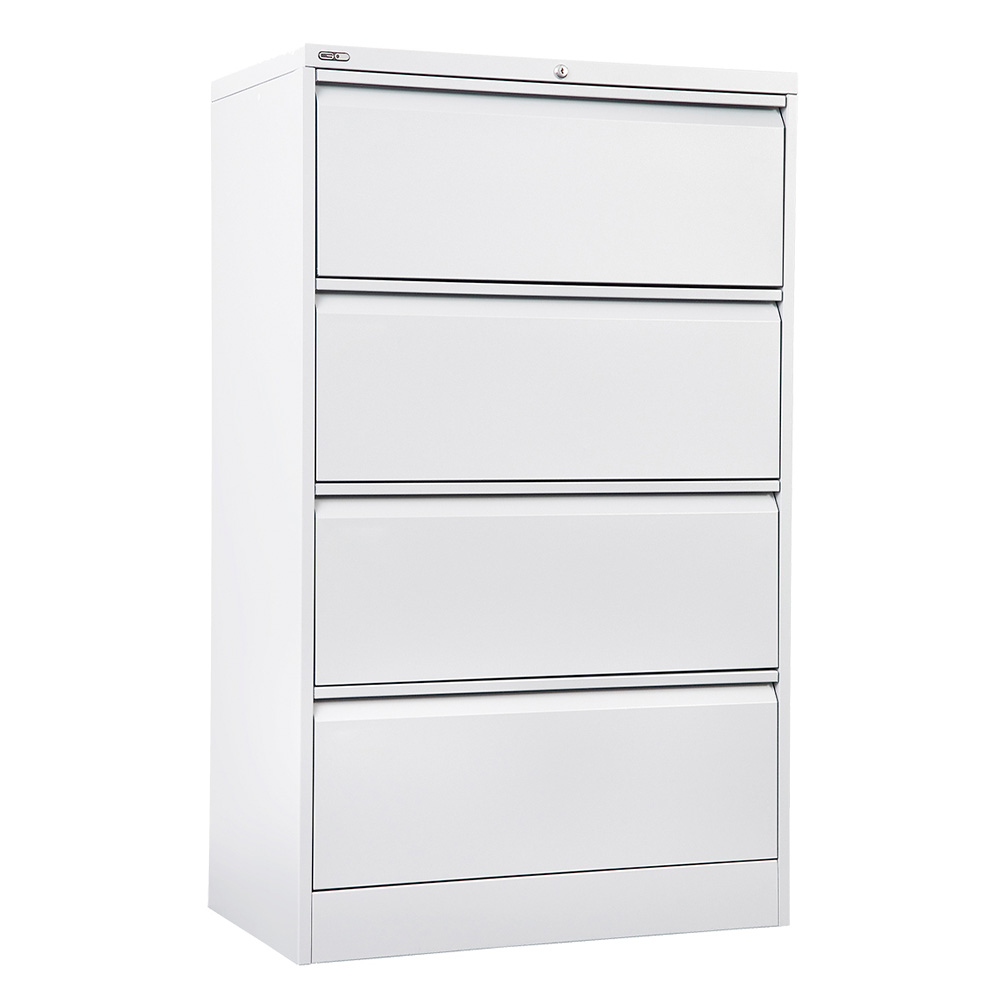
Separate office storage
A nearby cupboard or credenza may be more practical when substantial filing or shared storage is required. This can preserve the desktop and the space beneath it for daily work.
Before choosing storage capacity, review what needs to stay at the workstation and what can be stored elsewhere.
7. Compare Fixed-Height and Sit–Stand Corner Desks
A fixed-height corner desk may suit a dedicated workspace where the selected height works with the user’s seating and equipment.
A height-adjustable corner desk is worth considering when users want to change the working height or alternate between seated and standing tasks.
When comparing adjustable models, check:
• Minimum and maximum working height
• Available desktop sizes
• Published load capacity and what it includes
• Controller functions
• Cable management requirements
• Clearance throughout the adjustment range
• Warranty coverage for the frame and electrical components
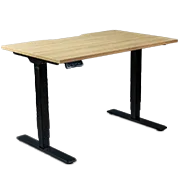
The Boost+ Height Adjustable Corner Workstation is one example in Epic Office Furniture’s range, with electric height adjustment, a digital controller and three programmable height settings.
Before choosing any adjustable workstation, confirm that its movement will not interfere with windowsills, shelving, nearby furniture or equipment.
Pay particular attention to storage under the desktop. A pedestal that fits beneath the desk when raised may obstruct it at a lower setting.
8. Arrange Monitors and Equipment Before Choosing the Final Size
A corner computer desk can provide several possible equipment arrangements. Decide where the main working position will be before selecting the size.
Place the equipment used most frequently together. For example, the main monitor, keyboard and mouse should work as a coordinated setup rather than being spread across opposite sections of the desk.
The return can then provide a separate area for:
• Documents being reviewed
• Written notes
• Reference folders
• Project materials
• Less frequently used accessories
For a dual-monitor setup, check the combined width and depth of the actual screens and stands. Monitor count alone is not enough to determine the required desktop size.
Also plan where cables will run. Check the position of cable openings, the route to power outlets and access to any under-desk cable tray.
For height-adjustable models, the cable arrangement needs to accommodate the desk’s full movement.
9. Check Whether a Small Corner Desk Really Saves Space
A small corner desk can make productive use of two adjoining walls, but the L-shaped arrangement needs to suit the room.
In a compact office, check whether the return:
• Blocks the natural entry point
• Restricts chair movement
• Prevents a cupboard or door from opening
• Makes a narrow room harder to navigate
• Provides useful surface area for everyday tasks
Compare the proposed corner layout with a straight desk and separate storage before deciding.
If the additional surface supports work you perform regularly, it may justify the larger footprint. If it mainly becomes a place for unused equipment, a simpler arrangement may leave the room more functional.
10. Compare the Complete Purchase and Installation Cost
Assess the complete workstation rather than comparing desktop prices alone.
Your purchase checklist should include:
• The correct desktop size and orientation
• Required return sections and supporting components
• Drawers or other storage
• Monitor mounting and cable management accessories
• Delivery requirements
• Assembly or installation
• Access through doorways, corridors and lifts
• Availability of the selected finish and configuration
For several workstations, keep a clear schedule showing the size, orientation and accessories required at each position.
Check assembly access as well as delivery access. The room needs enough space to unpack and assemble the furniture before the desk reaches its final position.
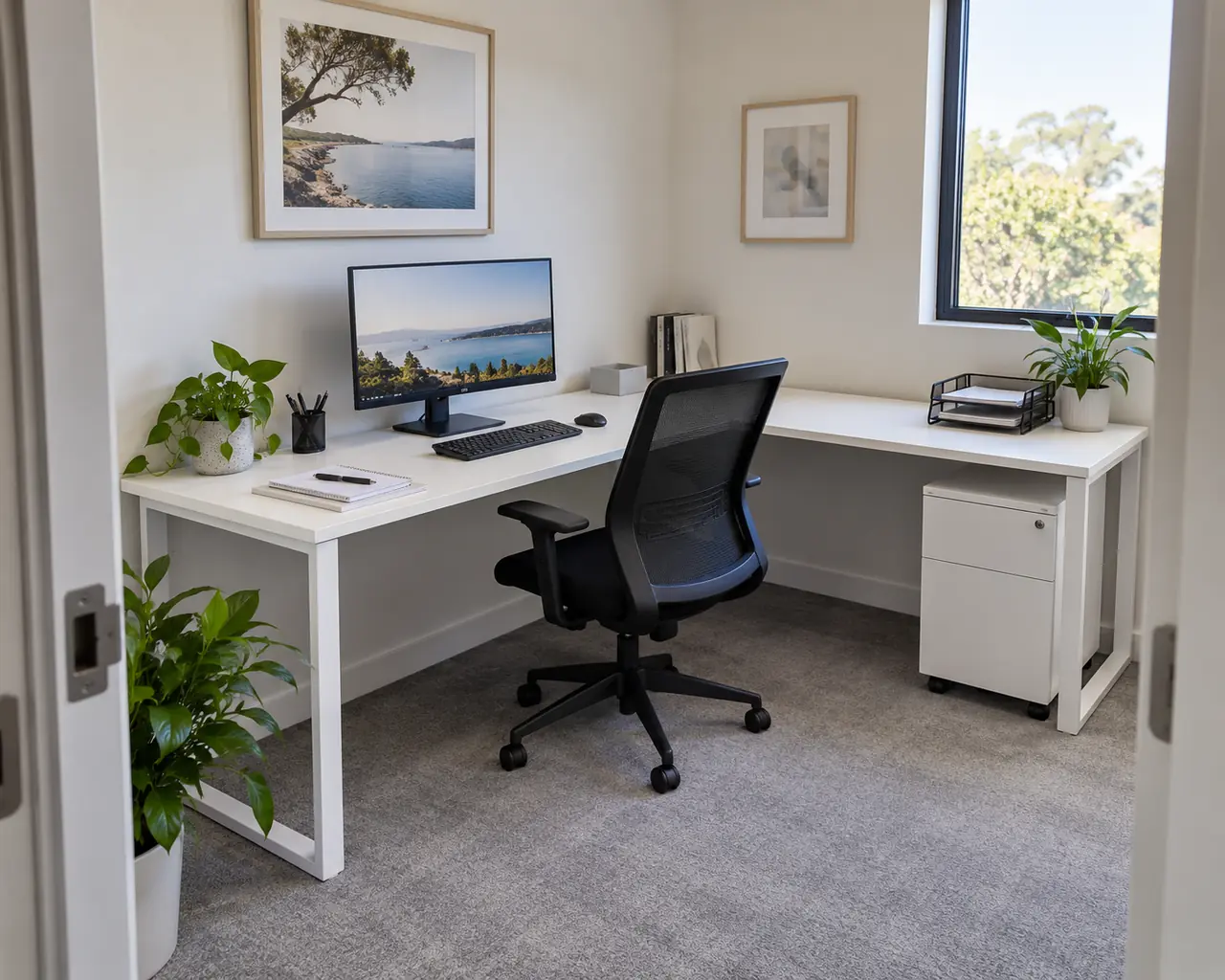
Choose a Corner Desk That Fits the Way You Work
The right corner desk provides useful working surface, suitable equipment space and a layout that remains easy to move around.
Start with the tasks the desk needs to support. Then confirm the overall dimensions, orientation, storage position and mounting requirements before choosing the final model.
Epic Office Furniture supplies corner workstations for individual offices and commercial projects. Have your room measurements, equipment requirements and preferred layout ready so the selected desk configuration can be checked before ordering. Call Epic Office Furniture on 1300 883 438 to discuss your next purchase.